

Auto 1e-7 Stepping
Little utility mod to make 1e-7 stepping mechanics easier to use
If you don't know what 1e-7 stepping is, here's quick (and not the most accurate) explanation to understand the basic principals of this mechanic:
|
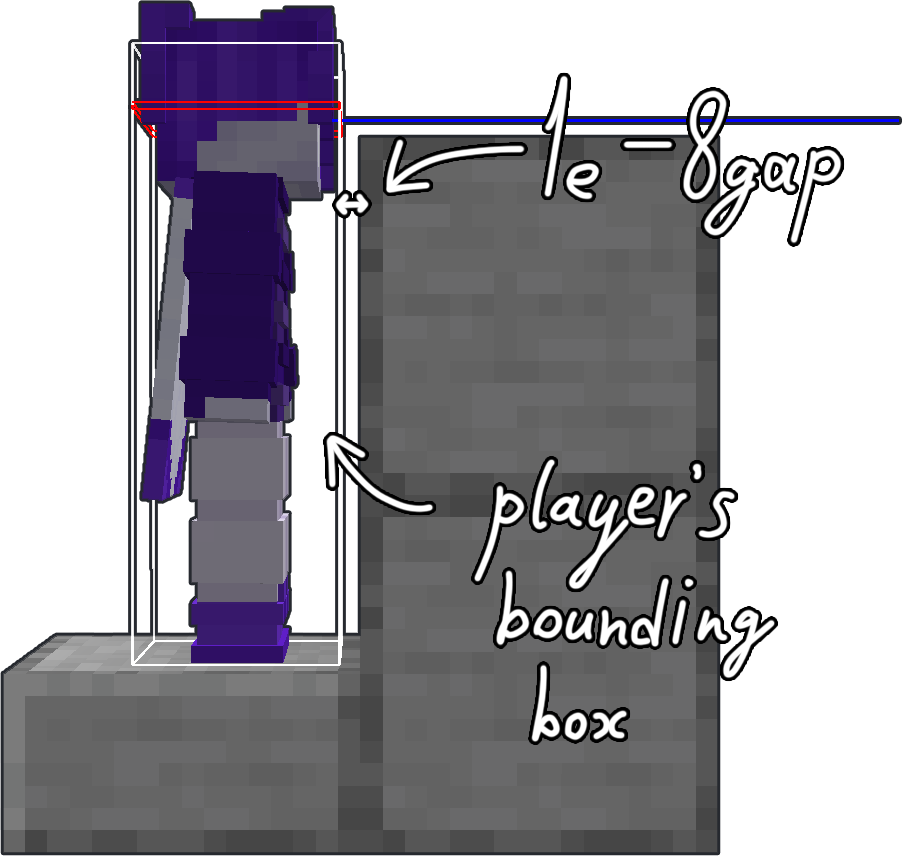
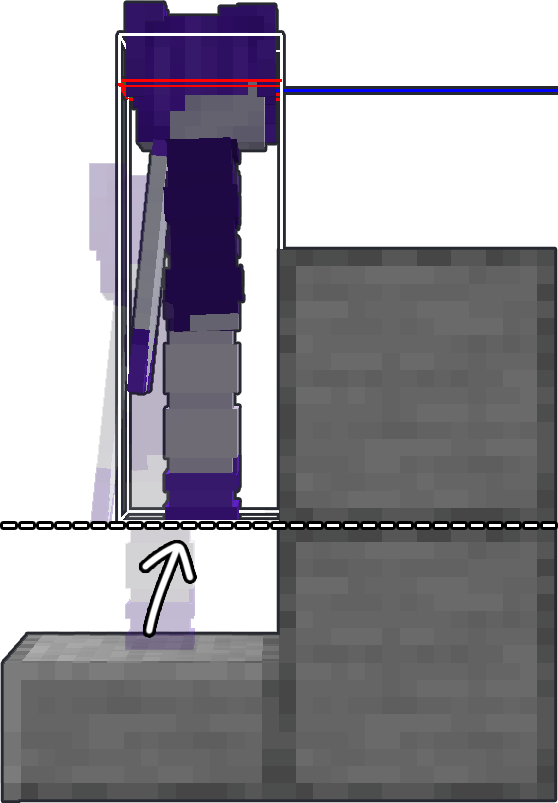
If you move along any axis less than the hardcoded value of 1e-7 (or 0.0000001) — the movement gets canceled. This brings us to the collision checks. When you're about to collide with a block — Minecraft doesn't let you do it and sets your position next to the edge of a block so the distance to it is about 1e-8. Then the game squares the movement vector and if the result is less than 1e-7 — movement gets canceled.
Here you can find more detailed explanation of how this mechanics works (*click*). |
|
ATTENTION
This mod requires Fabric API and Yet Another Config Lib to work correctly!
HOW TO USE
To position yourself you have to hit a wall first.
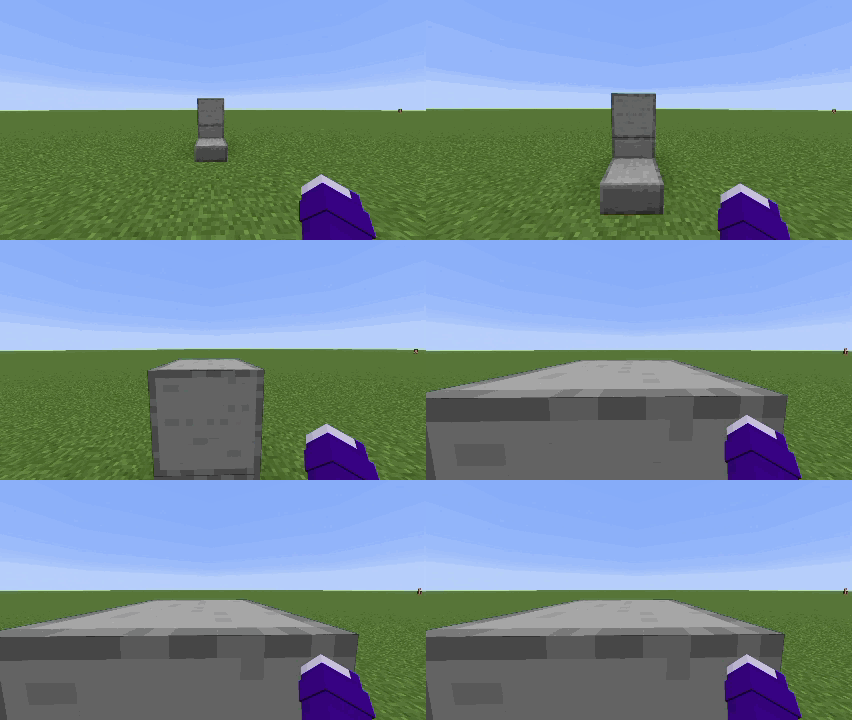
Then press positioning key
By default keybind is set to "O"
Or run the command
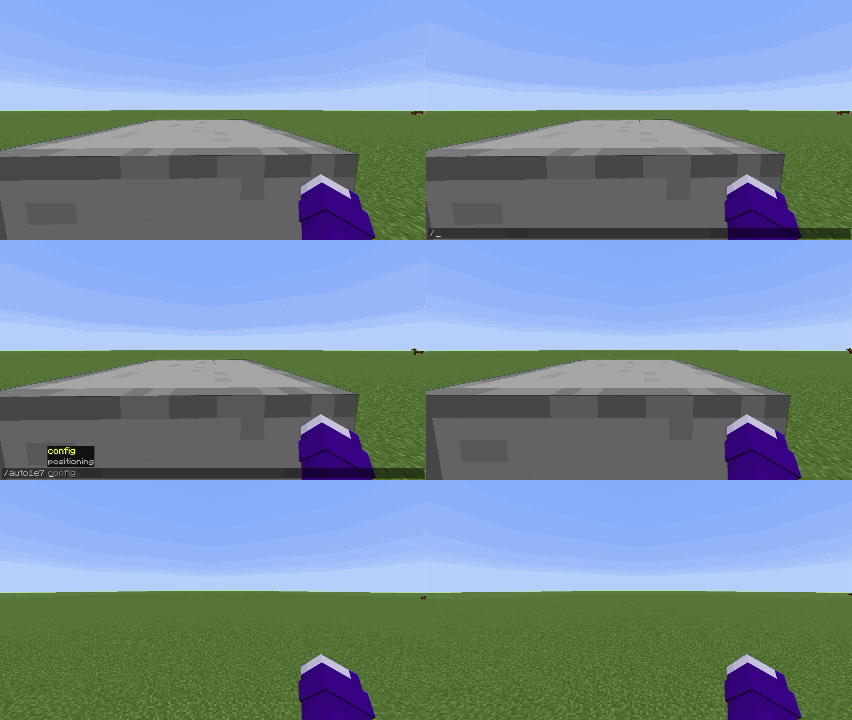
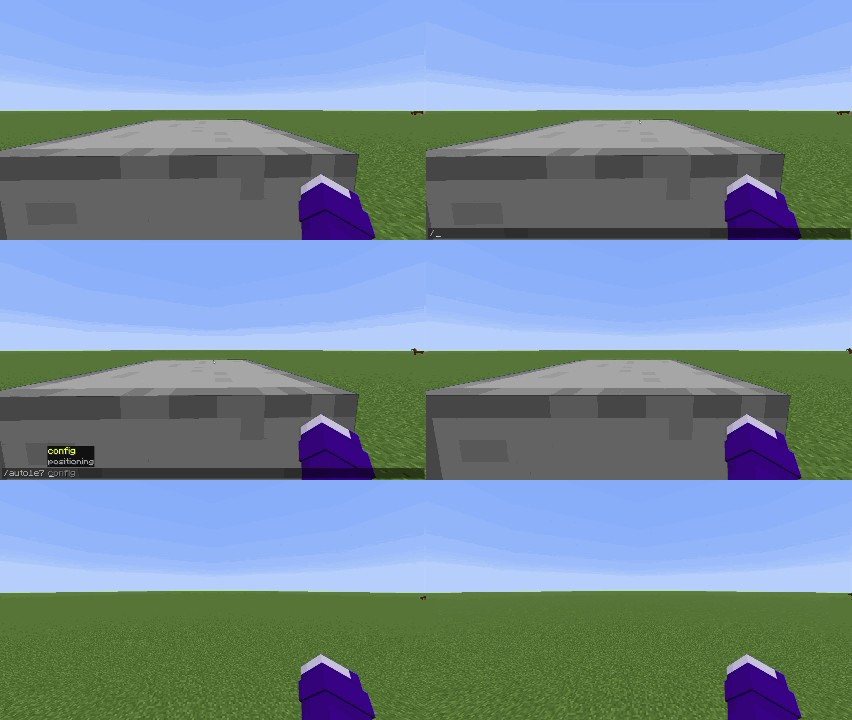
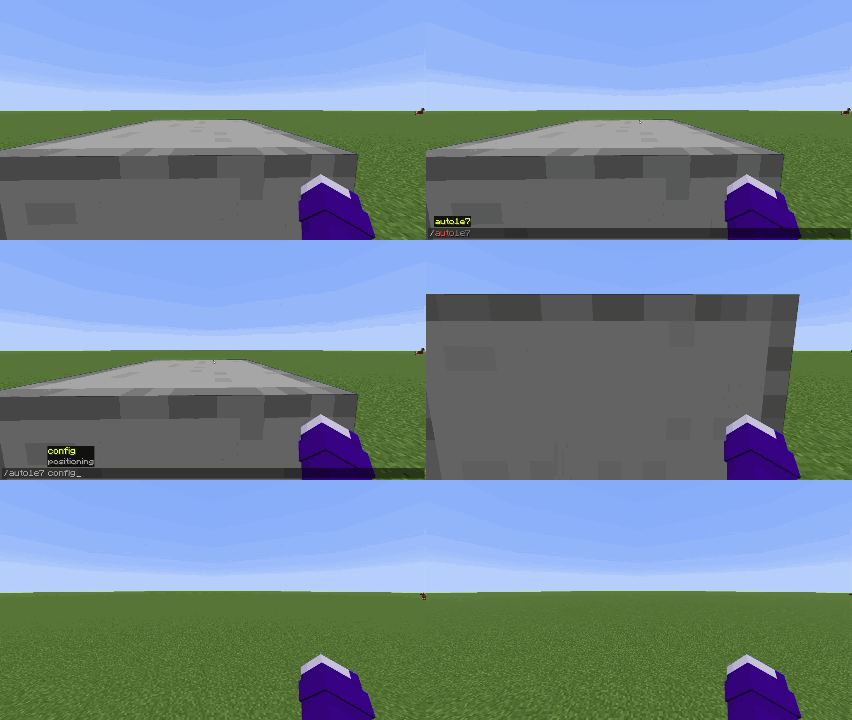
/auto1e7 positioning
|
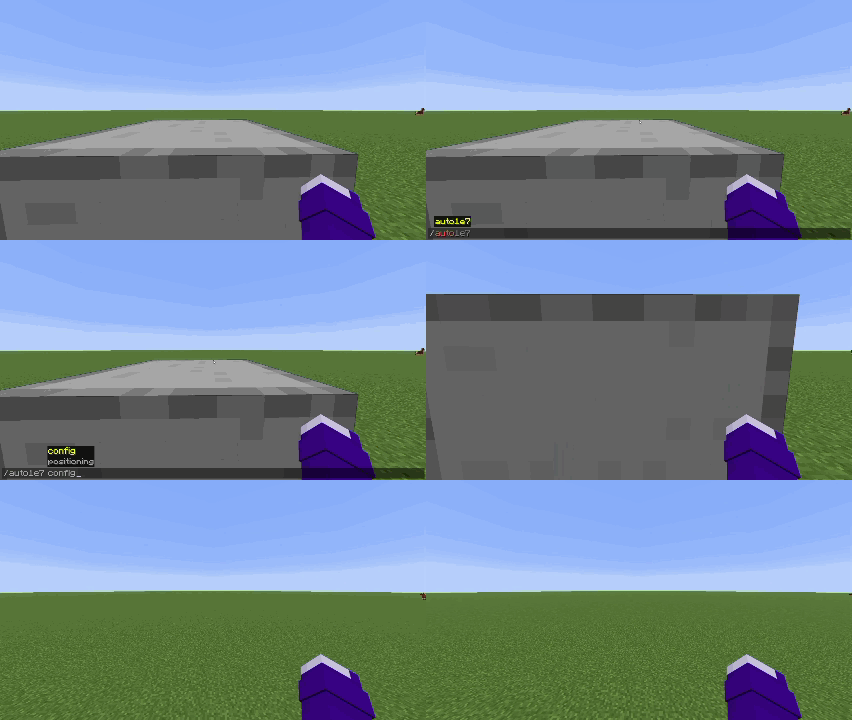
|
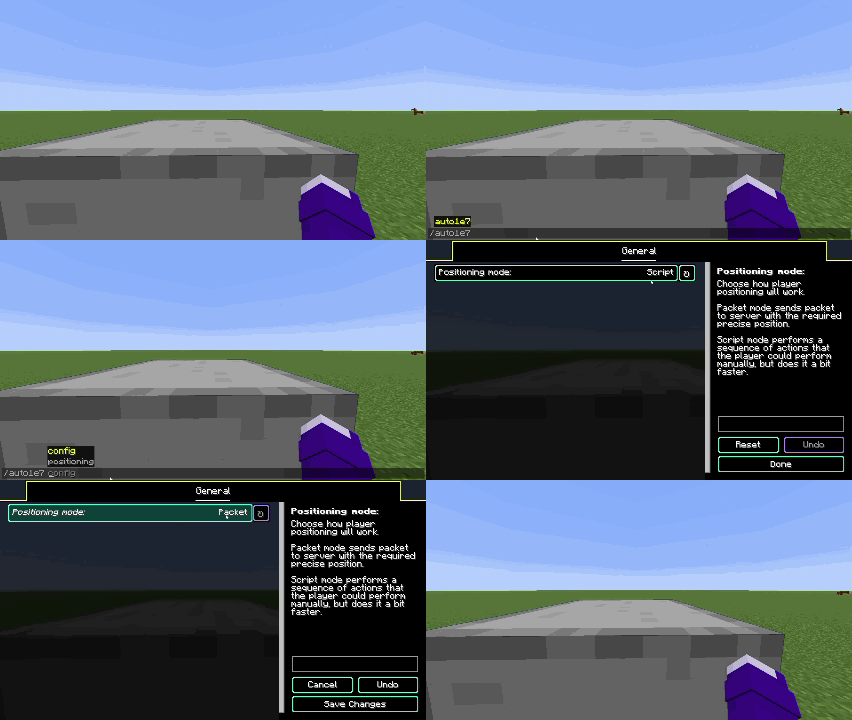
| First positioning mode | Second positioning mode |
You have two positioning modes:
- Packet (sends packet on server with exact position you need to be moved)
- Script (performs series of actions that player can perform manually, but does it a bit faster)
You can switch between positioning modes by opening the config screen in modmenu tab or by using the command
/auto1e7 config
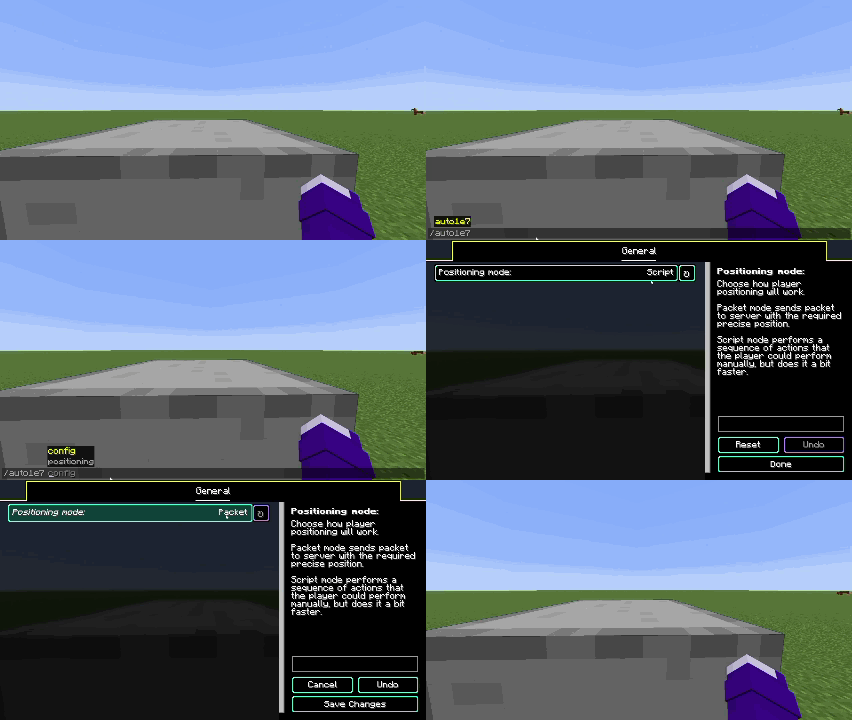
Languages supported
- English
- Russian (may be not 100% accurate)
- Simplified Chinese (may be not 100% accurate)
If you want to help with mod translation — you can contact me on discord scany_alt
If you found a bug — please report it on GitHub's Issues page
| Version | Minecraft | Loader | Download |
|---|---|---|---|
|
Auto 1e-7 Stepping 1.1.0+26.3-fabric 1.1.0+26.3-fabric |
26.3
|
fabric
|
Download |
|
Auto 1e-7 Stepping 1.1.0+26.2-fabric 1.1.0+26.2-fabric |
26.2
|
fabric
|
Download |
|
Auto 1e-7 Stepping 1.1.0+26.1-fabric 1.1.0+26.1-fabric |
26.1, 26.1.1, 26.1.2
|
fabric
|
Download |
|
1.1.0+1.21.11-fabric |
1.21.11
|
fabric
|
Download |
|
1.1.0+1.21.9-fabric |
1.21.10, 1.21.9
|
fabric
|
Download |
|
1.1.0+1.21.2-fabric |
1.21.2, 1.21.3
|
fabric
|
Download |
|
1.1.0+1.21.4-fabric |
1.21.4
|
fabric
|
Download |
|
1.1.0+1.21.5-fabric |
1.21.5
|
fabric
|
Download |
|
1.1.0+1.21.6-fabric |
1.21.6, 1.21.7, 1.21.8
|
fabric
|
Download |
|
1.0.0+1.21.6-fabric |
1.21.6, 1.21.7, 1.21.8
|
fabric
|
Download |