

BactroMod
BactroMod is a client-side Fabric mod for visual clarity and quality-of-life tweaks. It works out of the box on any compatible Fabric installation.
✨ Features
| Feature | Description |
|---|---|
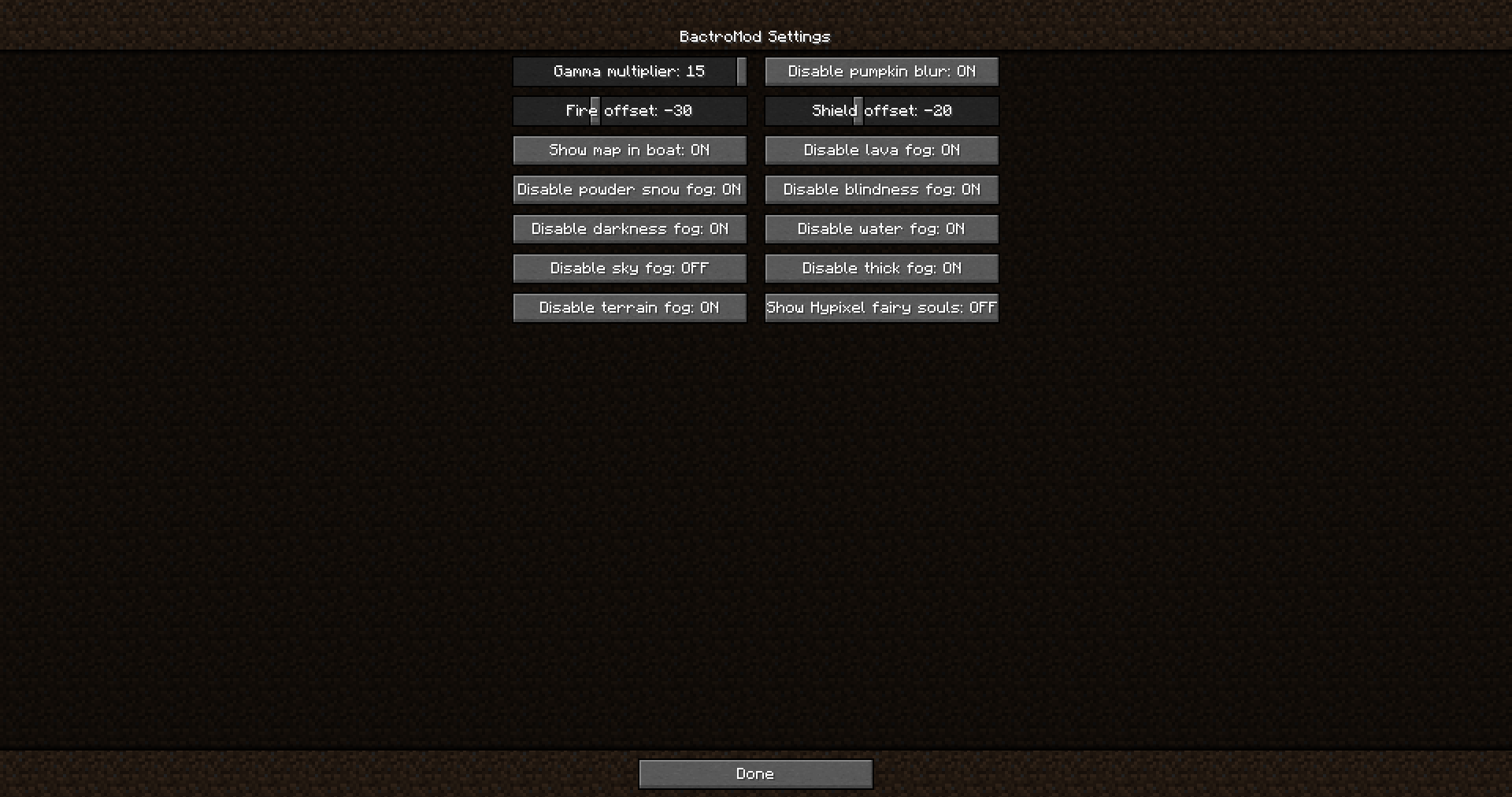
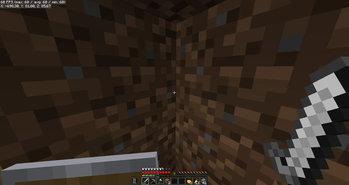
| 🌟 Fullbright | Adjustable brightness boost ranging from vanilla lighting to full brightness. |
| 👁️ Night vision cleanup | Suppresses the night vision effect. |
| 🎃 Pumpkin blur toggle | Disables the carved-pumpkin overlay. |
| 🔥 Low fire | Configurable first-person fire overlay offset. |
| 🛡️ Low shield | Configurable first-person shield render offset. |
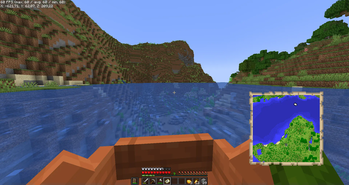
| 🗺️ Boat map visibility | Keep filled maps visible while moving in boats. |
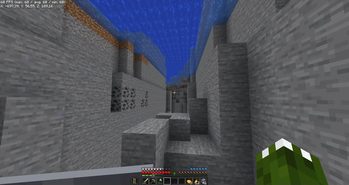
| 🌫️ Fog controls | Toggle lava, powder snow, blindness, darkness, water, and atmospheric fog. |
| 📐 Item scaling | Scale individual items (totems, potions, food, etc.) in first-person view via a dedicated sub-screen. |
| 🌊 Riptide + shield fix | Corrects shield rendering position during riptide-trident use. |
| 🎮 No-OP gamemode switcher | Enables the debug gamemode-switch screen without OP-level checks. |
⚙️ Configuration
BactroMod settings can be changed in-game.
| Method | Description |
|---|---|
| ModMenu (preferred) | Config entry inside ModMenu (if installed). |
| Credits screen (fallback) | "BactroMod Settings" button in Credits screen. |
| Config file | <gameDir>/config/bactromod.json (JSON, editable by hand) |
📦 Installation
- Install Fabric Loader for the supported Minecraft version.
- Place the BactroMod
.jarinto your Minecraftmods/folder. - Ensure Fabric API is installed.
- Launch Minecraft with the Fabric profile.
📸 Screenshots (more in Gallery)


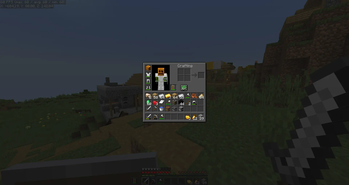
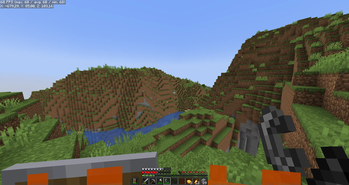
| Version | Minecraft | Loader | Download |
|---|---|---|---|
|
BactroMod 4.2 4.2 |
26.3
|
fabric, quilt
|
Download |
|
BactroMod 4.1 4.1 |
26.3
|
fabric, quilt
|
Download |
|
BactroMod 4.0 4.0 |
26.3
|
fabric, quilt
|
Download |
|
BactroMod 3.9 3.9 |
26.2
|
fabric, quilt
|
Download |
|
BactroMod 3.8 3.8 |
26.1.2
|
fabric, quilt
|
Download |
|
bactromod-3.7 3.7 |
26.1.1
|
fabric, quilt
|
Download |
|
bactromod-3.6 3.6 |
26.1
|
fabric, quilt
|
Download |
|
bactromod-3.5 3.5 |
1.21.11
|
fabric, quilt
|
Download |
|
bactromod-3.4 3.4 |
1.21.11
|
fabric, quilt
|
Download |
|
bactromod-3.3 3.3 |
1.21.10
|
fabric, quilt
|
Download |
|
bactromod-3.2.2 3.2.2 |
1.21.9
|
fabric, quilt
|
Download |
|
bactromod-3.2 3.2 |
1.21.9
|
fabric, quilt
|
Download |
|
bactromod-3.1 3.1 |
1.21.8
|
fabric
|
Download |
|
bactromod-3.0 3.0 |
1.21.7
|
fabric
|
Download |
|
bactromod-2.9 2.9 |
1.21.6
|
fabric
|
Download |
|
bactromod-2.8 2.8 |
1.21.5
|
fabric
|
Download |
|
bactromod-2.7 2.7 |
1.21.4
|
fabric
|
Download |
|
bactromod-2.6 2.6 |
1.21.3
|
fabric
|
Download |
|
bactromod-2.5 2.5 |
1.21.1
|
fabric
|
Download |
|
bactromod-2.4 2.4 |
1.21
|
fabric
|
Download |
|
bactromod-2.3 2.3 |
1.21
|
fabric
|
Download |
|
bactromod-2.2 2.2 |
1.20.6
|
fabric
|
Download |
|
bactromod-2.1 2.1 |
1.20.4
|
fabric
|
Download |
|
bactromod-2.0 2.0 |
1.20.4
|
fabric
|
Download |
|
bactromod-1.9 1.9 |
1.20.2
|
fabric, quilt
|
Download |
|
bactromod-1.8 1.8 |
1.20.1
|
fabric, quilt
|
Download |
|
bactromod-1.7 1.7 |
1.20.1
|
fabric, quilt
|
Download |
|
bactromod-1.6 1.6 |
1.20
|
fabric, quilt
|
Download |
|
bactromod-1.5 1.5 |
1.19.4
|
fabric, quilt
|
Download |
|
bactromod-1.4 1.4 |
1.19.3
|
fabric, quilt
|
Download |
|
bactromod-1.3 1.3 |
1.19.2
|
fabric, quilt
|
Download |
|
bactromod-1.2 1.2 |
1.19.2
|
fabric, quilt
|
Download |
|
bactromod-1.1 1.1 |
1.19.2
|
fabric, quilt
|
Download |
|
bactromod-1.0 1.0 |
1.19.2
|
fabric, quilt
|
Download |