Camo Blocks (advanced version of one way glass)
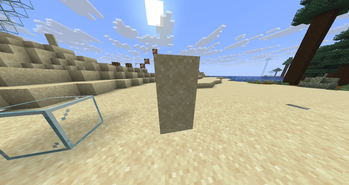
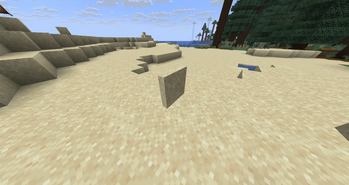
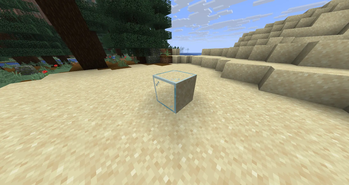
Camo Blocks adds a special camo glass block to Minecraft that can be disguised to look like any other block — on any side you choose.
Unlike one-way glass mods that only hide one face, Camo Blocks gives you full control over every side of the block independently. Want the top to look like grass, the bottom like stone, and the sides like oak planks? You can do exactly that.
Features
- 🎨 Per-side customization — change each face of the block independently
- 🔍 Fully transparent — the block remains see-through while mimicking other textures
- 🧱 Any block texture — disguise using virtually any block in the game
- 🔄 Not just one-way — configure all six sides however you like, not just one direction
- ⚡ Lightweight — minimal performance impact
- Version 1.0.2 supports doors and trapdoors
How to Use
- Craft a Camo Glass block using glass surrounded by dyes
- Place the block in the world
- Right-click a face with any block to apply that block's texture to that side
- Mix and match textures on each side freely
Crafting
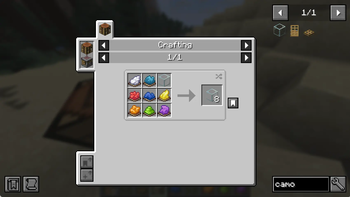
Put one of each of these color dyes into the crafting table (doesn't matter which order)
White, Cyan, Red, Blue, Yellow, Orange, Lime, Purple
finally, fill the last spot with one piece of glass
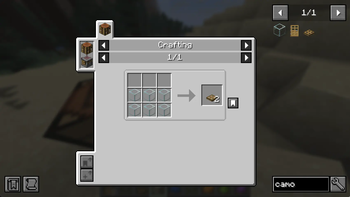
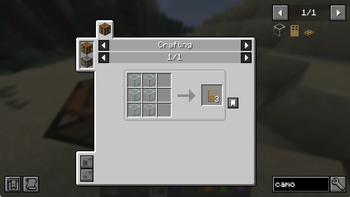
To craft doors and trapdoors, craft them with camo glass like how you craft any other doors and trapdoors.