

DeepBackup 1.1.4
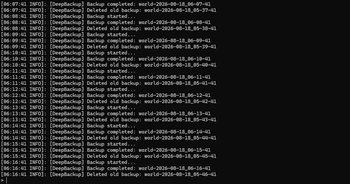
- Automatic world backups.
- A new backup after every save.
- Keeps the configured number of recent backups.
- Timestamped backup folders.
- Manual backup command:
/deepbackup - Backups are stored in the
backupsfolder.
Configuration
The config file is located at:
server/plugins/DeepBackup/config.yml
You can change:
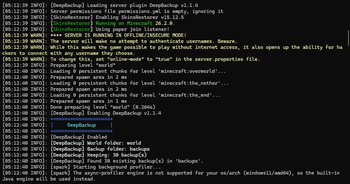
max-backups— how many backups to keep.world-folder— world folder to back up.backup-folder— where backups are stored.
Restart the server after changing the configuration.
How To Backup
DeepBackup automatically copies the world folder and keeps the configured number of backups.
Backups are stored by default in:
server/backups/
Do not delete session.lock from the live world folder. It is not included in backups and Minecraft creates it automatically.
To back up the world, stop the server and then delete the files in the world folder but keep session.lock. Then copy the items from any backup folder to your world folder.
| Version | Minecraft | Loader | Download |
|---|---|---|---|
|
DeepBackup 1.1.4 1.1.4 |
26.2
|
paper, spigot
|
Download |