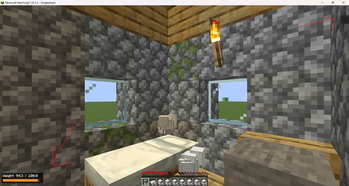
DUATAR: Weight adds a configurable carrying-capacity system to Minecraft. Every carried item contributes to the player’s total weight, including stacked items, equipped armor, the offhand slot, and items stored inside supported containers. Features
- Server-authoritative weight calculation
- Compact, color-coded HUD in the bottom-left corner
- Individual and total stack weight in item tooltips
- Main inventory, hotbar, armor, and offhand support
- Shulker Box and Bundle content calculation
- Progressive exhaustion and overload penalties
- Vanilla Slowness I, II, and III effects
- Reduced jumping and disabled sprinting when overloaded
- Configurable item and item-tag weights
- English and Turkish language support
- No external mod dependencies Item Tooltips Individual items display their unit weight: Weight: 0.27 Stacked items display both the unit and total weight: Weight: 0.27 × 10 = 2.7 Container items include the weight of their stored contents. Weight Levels
- 0–70%: No penalty
- 70–90%: Additional exhaustion
- 90–100%: Slowness I with a net 10% movement reduction
- 100–120%: Slowness II, 25% movement reduction, 15% jump reduction, and sprinting disabled
- Above 120%: Slowness III, 50% movement reduction, 35% jump reduction, and sprinting disabled Items are never deleted or automatically dropped when the player becomes overloaded. Weight Calculation Weight values represent individual items and are multiplied by stack size. 1 Stone = 0.01 64 Stone = 0.64 The default configuration divides raw item weights by 100, making the system suitable for inventories containing multiple full stacks.