

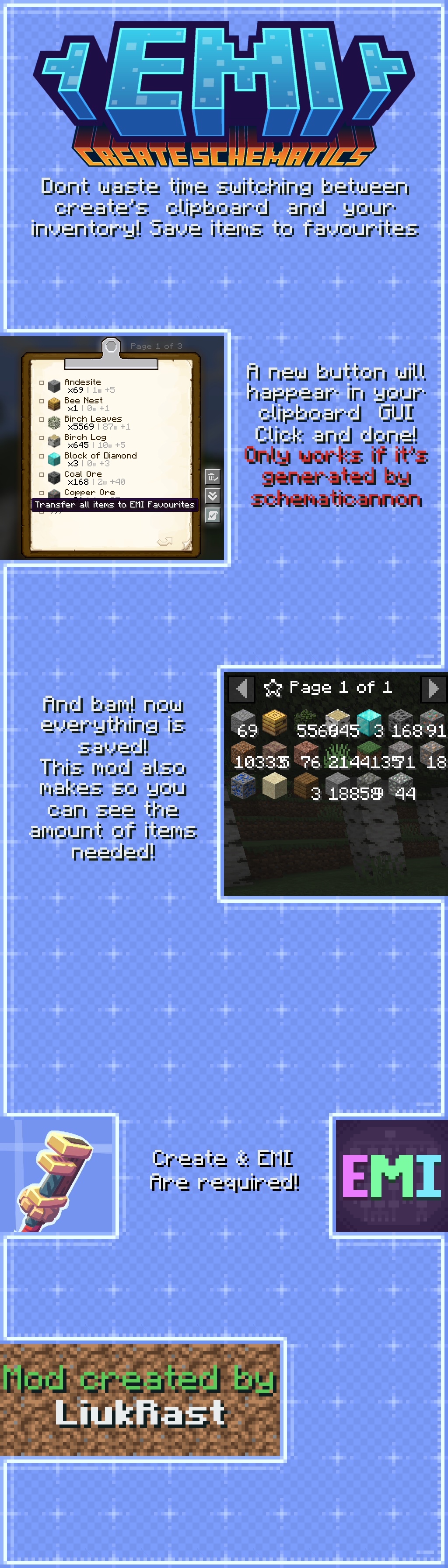
Image Transcription
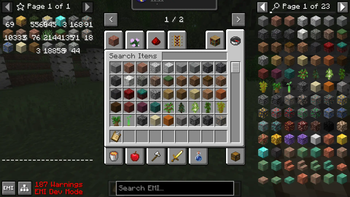
Presenting EMI: Create Schematics! Don't waste time switching between create's clipboard and your inventory! Save items to favourites! A new button will happear in your clipboard's GUI... You just click and done! **It only works if the clipboard was generated by a schematicannon! You can try to do it manually via NBT, but in case it finds an error, the button will not happear!** And so... bam! Your items and item quantity has been saved to the EMI's favourite tab! Enjoy!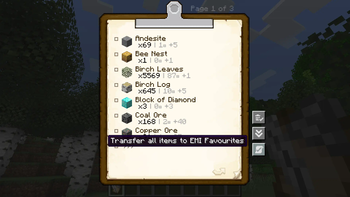
| Version | Minecraft | Loader | Download |
|---|---|---|---|
|
Create: EMI Schematics [1.1.0] 1.1.0 |
1.21.1
|
neoforge
|
Download |
|
EMI: Create Schematics 1.0.4 1.0.4 |
1.20.1, 1.20.2, 1.20.3, 1.20.4, 1.20.5, 1.20.6
|
forge
|
Download |
|
EMI: Create Schematics 1.0.3 1.0.3 |
1.21.1, 1.21.2, 1.21.3, 1.21.4, 1.21.5, 1.21.6, 1.21.7, 1.21.8, 1.21.9, 1.21.10
|
neoforge
|
Download |
|
EMI: Create Schematics 1.0.3 1.0.3 |
1.20.1, 1.20.2, 1.20.3, 1.20.4, 1.20.5, 1.20.6
|
forge
|
Download |
|
EMI: Create Schematics 1.0.2 1.0.2 |
1.20.1, 1.20.2, 1.20.3, 1.20.4, 1.20.5, 1.20.6
|
forge
|
Download |
|
EMI: Create Schematics 1.0.2 1.0.2 |
1.21, 1.21.1, 1.21.2, 1.21.3, 1.21.4, 1.21.5
|
neoforge
|
Download |
|
Version 1.0.1 MC1.19x 1.0.1 |
1.19.2
|
fabric
|
Download |
|
Version 1.0.1 MC1.20x 1.0.1 |
1.20.1, 1.20.2, 1.20.3, 1.20.4, 1.20.5, 1.20.6
|
forge
|
Download |
|
Version 1.0.1 MC1.20x 1.0.1 |
1.20.1
|
fabric
|
Download |
|
Version 1.0.0 MC1.20x 1.0.0 |
1.20.1, 1.20.2, 1.20.3, 1.20.4
|
forge
|
Download |
|
Version 1.0.0 MC1.19x 1.0.0 |
1.19.2, 1.19.3, 1.19.4
|
forge
|
Download |