


Enhanced Overlay
Settings for:
- Hitboxes
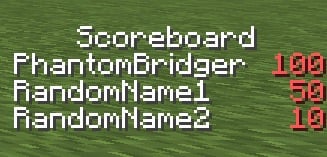
- Scoreboard
- Chat
- Subtitles
- Tablist
- Debug Screen
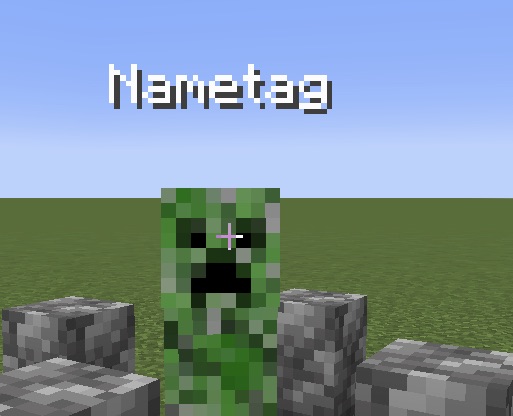
- Nametags
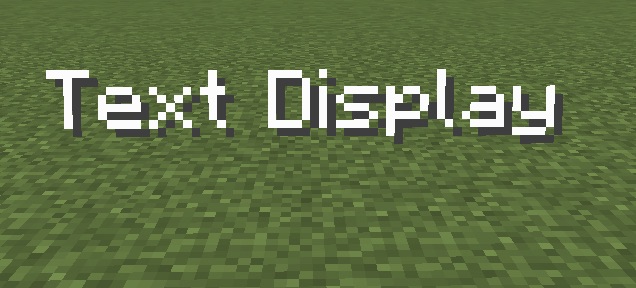
- Text Displays
You can also disable your own potion effect particles from showing in first person perspective.
Adds an option for a fake Enchantment Glint that you can add to any item that renders like the normal Enchantment Glint does so it uses the same texture.
Uses YetAnotherConfigLib for the config.
Set text background opacity to 0 in the Minecraft Accessibility Settings to disable the chat background as well.
Why is there no mod icon?
I'm not an artist and I dont want to use AI for it.
Compatibility:
- Should be compatible with most Fabric mods
- Partially compatible with PVP Clients like Lunar and Feather, you just have to try it and see if it works, some settings just work, some don't and for some you have to change settings in the client settings.




| Version | Minecraft | Loader | Download |
|---|---|---|---|
|
Enhanced Overlay 3.2.1 for Fabric 26.3 3.2.1-fabric-26.3 |
26.3
|
fabric
|
Download |
|
Enhanced Overlay 3.2.1 for Fabric 26.2 3.2.1-fabric-26.2 |
26.2
|
fabric
|
Download |
|
Enhanced Overlay 3.2.0 for Fabric 26.2 3.2.0-fabric-26.2 |
26.2
|
fabric
|
Download |
|
Enhanced Overlay 3.1.0 for Fabric 26.1.x 3.1.0-fabric-26.1 |
26.1, 26.1.1, 26.1.2
|
fabric
|
Download |
|
Enhanced Overlay 3.1.0 for Fabric 1.21.11 3.1.0-fabric-1.21.11 |
1.21.11
|
fabric
|
Download |
|
Enhanced Overlay 3.0.0 for Fabric 1.21.11 3.0.0-fabric-1.21.11 |
1.21.11
|
fabric
|
Download |
|
Enhanced Overlay 2.2.0 for 1.21.8 2.2.0-1.21.8 |
1.21.8
|
fabric
|
Download |
|
Enhanced Overlay 2.0.0 2.0.0 |
1.21.4
|
fabric
|
Download |
|
Enhanced Overlay 1.1.1 1.1.1 |
1.21.4, 1.21.5
|
fabric
|
Download |
|
Enhanced Overlay 1.0.0 for 1.21.4-1.21.5 1.0.0 |
1.21.4, 1.21.5
|
fabric
|
Download |