



Usage
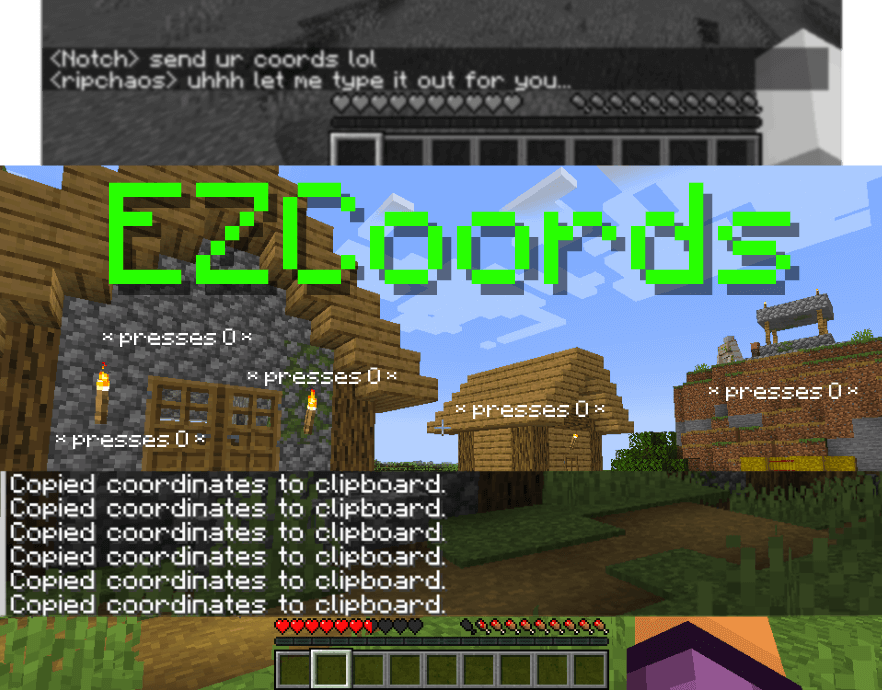
You can copy your current coordinates by either pressing the configurable keybind (default: "O") or by using the /coords command.
If you want to copy the coordinates of the block you're looking, use the configurable keybind (default "I") or by using the /coords block command.
Config
You can access the config values with the /coords config:
command_block_mode- Copies ONLY the coordinates (X: 1, Y: 1, Z: 3 -> 1 2 3)
| Version | Minecraft | Loader | Download |
|---|---|---|---|
|
EZCoords 1.0.1-1.20.2 1.0.1 |
1.20.2
|
fabric
|
Download |
|
EZCoords 1.0.1-1.20.1 1.0.1 |
1.20.1
|
fabric
|
Download |
|
EZCoords 1.0.1-1.20 1.0.1 |
1.20, 1.20.1, 1.20.2
|
fabric
|
Download |
|
EZCoords 1.0.1-1.19.4 1.0.1 |
1.19.4
|
fabric
|
Download |
|
EZCoords 1.0.1-1.19.2 1.0.1 |
1.19.2
|
fabric
|
Download |
|
EZCoords 1.0.1-1.19.3 1.0.1 |
1.19.3
|
fabric
|
Download |
|
EZCoords 1.0.0-1.19.2 1.0.0 |
1.19.2
|
fabric
|
Download |
|
EZCoords 1.0.0-1.19.3 1.0.0 |
1.19.3
|
fabric
|
Download |