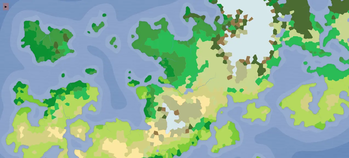
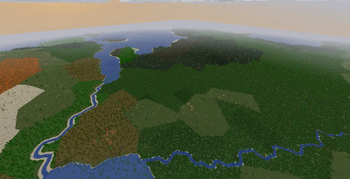
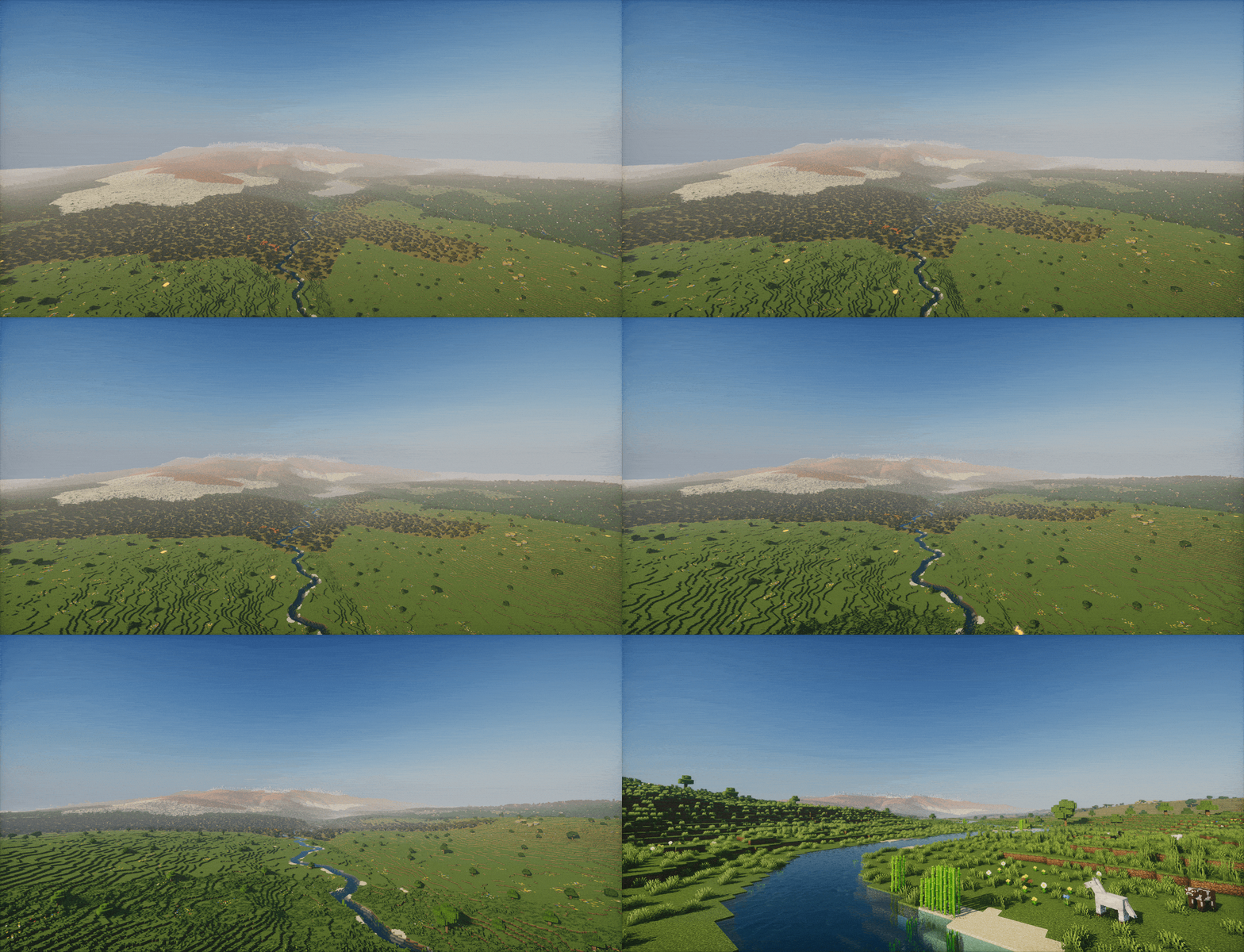
FMG-to-MC connects Azgaar's Fantasy Map Generator to Minecraft's world generation. Export two GeoJSON files from your map — Cells and Rivers — place them in the right folder, and generate a world shaped after the geography you designed.
⚠️ The mod is still in alpha, so bugs are expected.
Getting Started
1. Export from Azgaar
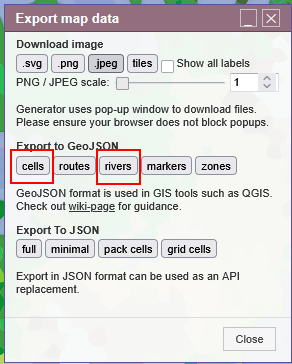
Open your map in Azgaar's Fantasy Map Generator and go to Export → JSON → Cells and Rivers.
2. Place the files
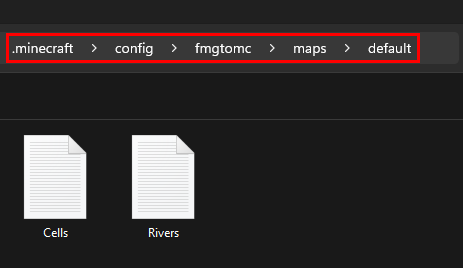
In your .minecraft folder (Windows: type %appdata% in File Explorer), create the following structure:
config/fmgtomc/maps/default/
  |- <YourWorld> Cells.geojson
  |- <YourWorld> Rivers.geojson
Any filename works, as long as it contains cells or rivers.
3. Create the world
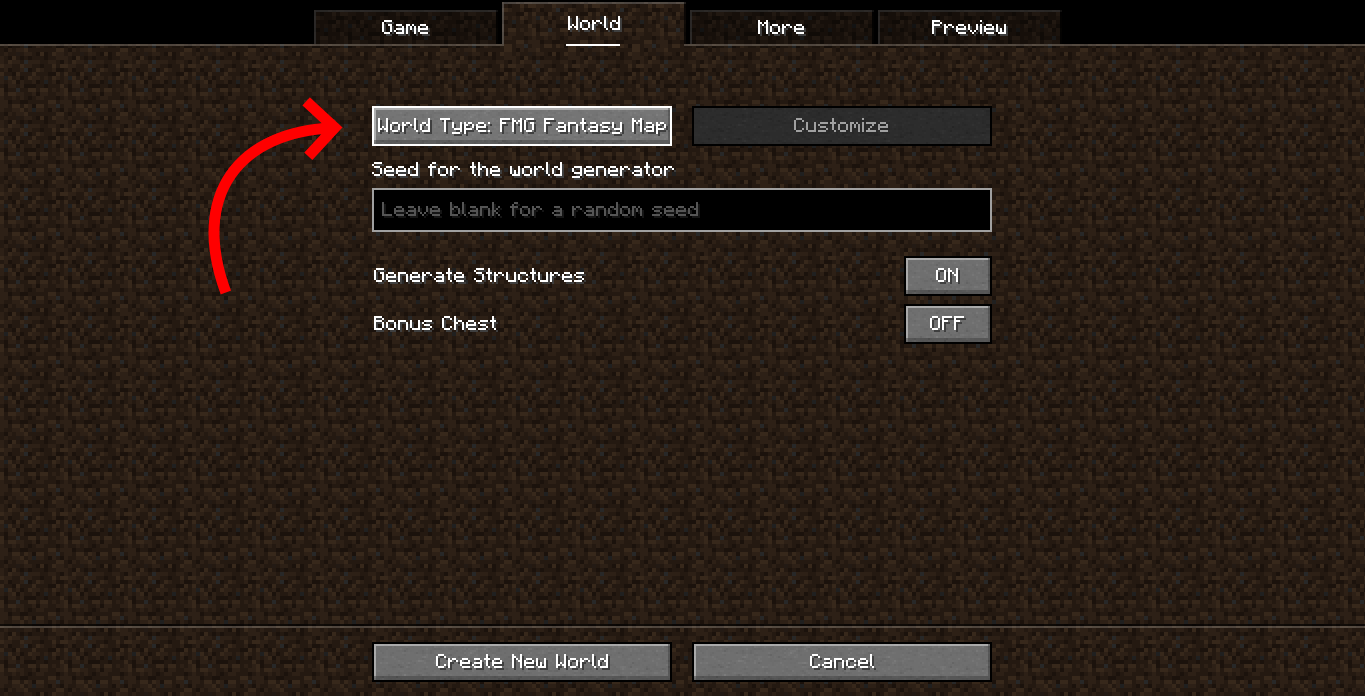
Launch Minecraft → Create New World → World → set World Type to FMG Fantasy Map → Create World.
Dedicated server: set
level-type=fmgtomc\:fmgtomcinserver.properties.
Important Notes
Scale
By default the world runs at roughly 1:125 horizontal scale — 1 block in Minecraft corresponds to about 125 meters on your Azgaar map. Vertical scale compresses far less.
Biomes
Terrain shape and biomes come from your map. Trees, vegetation, ores, and mobs are provided by the mapped vanilla biomes — the generator only shapes terrain, water, and rivers.
Rivers
Only rivers natively generated by Azgaar are supported. Rivers manually drawn may not generate correctly.
Recommended mods (not required)
- FerriteCore
- Sodium