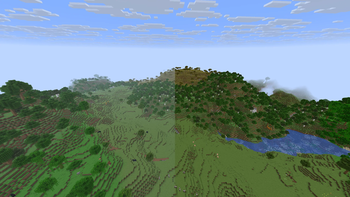
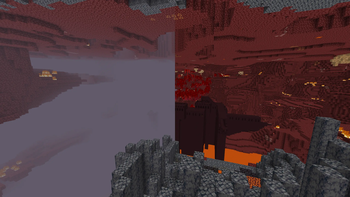
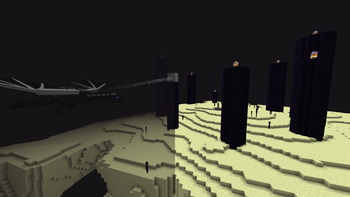
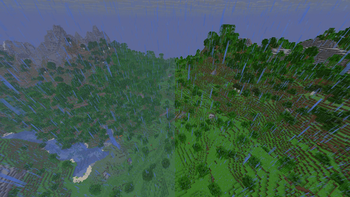
FogBeGone is a client-side Fabric mod that lets you customize different types of fog in the game to let you play how you want.
Features
Liquid Fog Controls
- Underwater Fog: Adjust water fog from 0% (completely clear) to 100% (default Minecraft fog).
- Lava Fog: Adjust lava fog from 0% (see clearly through lava) to 100% (default Minecraft fog).
Status Effect Fogs
- Blindness Fog: Turn off the black screen effect caused by Blindness.
- Darkness Fog: Turn off the dark pulsing effect caused by Wardens and the Deep Dark.
Dimension & World Fogs
- Overworld Fog: Remove distant fog in the Overworld.
- Nether Fog: Clear out thick biome fog in the Nether.
- End Fog: Remove fog in The End during the Ender Dragon fight.
- World Border Fog: Remove fog at the edge of your render distance.
Easy Access
- Keybind: Press F9 in-game to open settings instantly (changeable in Options ➔ Controls ➔ Key Binds).
- Mod Menu: Open settings by clicking the gear icon next to FogBeGone in your mod list.