

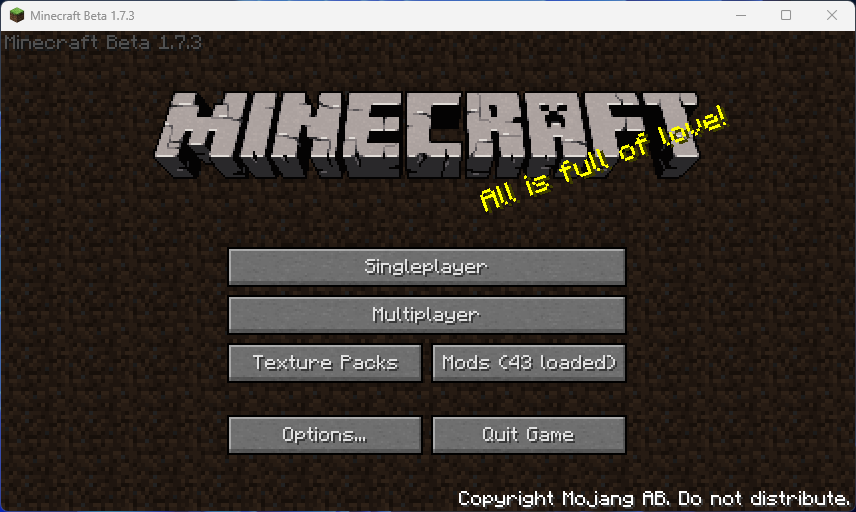
Replace the usage of the AWT Frame by the native LWJGL Display, this fixes various issues like window scaling breaking stuff.
Features
- deAWTs the game and makes Minecraft directly use the LWJGL Display
- Fixes colors being inverted on Apple M chips
- Restores the icon and window name after applaying the deAWT
- Fixes Display Scaling issues (the white area around a small windows when using anything but 100% scaling)
- Make the game use PrismLauncher Window Size settings
- Makes the game use the window title provided by PrismLauncher.
- This can be disabled using the
-DgambacUsePrismTitle=falsejvm argument or by setting thegambacUsePrismTitleenvironment variable to false
- This can be disabled using the
- Makes the game use the window icon provided by PrismLauncher.
- This can be disabled using the
-DgambacUsePrismIcon=falsejvm argument or by setting thegambacUsePrismIconenvironment variable to false
- This can be disabled using the
| Version | Minecraft | Loader | Download |
|---|---|---|---|
|
Gambac 1.4.0 1.4.0 |
b1.7.3
|
babric, fabric
|
Download |
|
Gambac 1.3.2 1.3.2 |
b1.7.3
|
babric, fabric
|
Download |
|
Gambac 1.3.1 1.3.1 |
b1.7.3
|
babric, fabric
|
Download |
|
Gambac 1.3.0 1.3.0 |
b1.7.3
|
babric, fabric
|
Download |
|
Gambac 1.2.0 1.2.0 |
b1.7.3
|
babric, fabric
|
Download |
|
Gambac 1.1.1 1.1.1 |
b1.7.3
|
babric, fabric
|
Download |
|
Gambac 1.1.0 1.1.0 |
b1.7.3
|
babric, fabric
|
Download |