

Hit Display — Damage & Combo HUD
Activates on hit. Visualizes real-time damage, death, and combos.
Commands:
/hitdisplay trackhealth <true|false>
Tracks entity heath and displays it below the damage you deal.
/hitdisplay scale
Sets the HUD scale from 0.1 to 5.0.
Customize how large the damage and combo text appears.
/hitdisplay combo <true|false>
Toggles combo counter display.
When enabled, shows your current combo streak on hit.
/hitdisplay mode <1-9>
Choose your animation style:
Each mode controls how the damage text animates.
/hitdisplay color
Sets the text color.
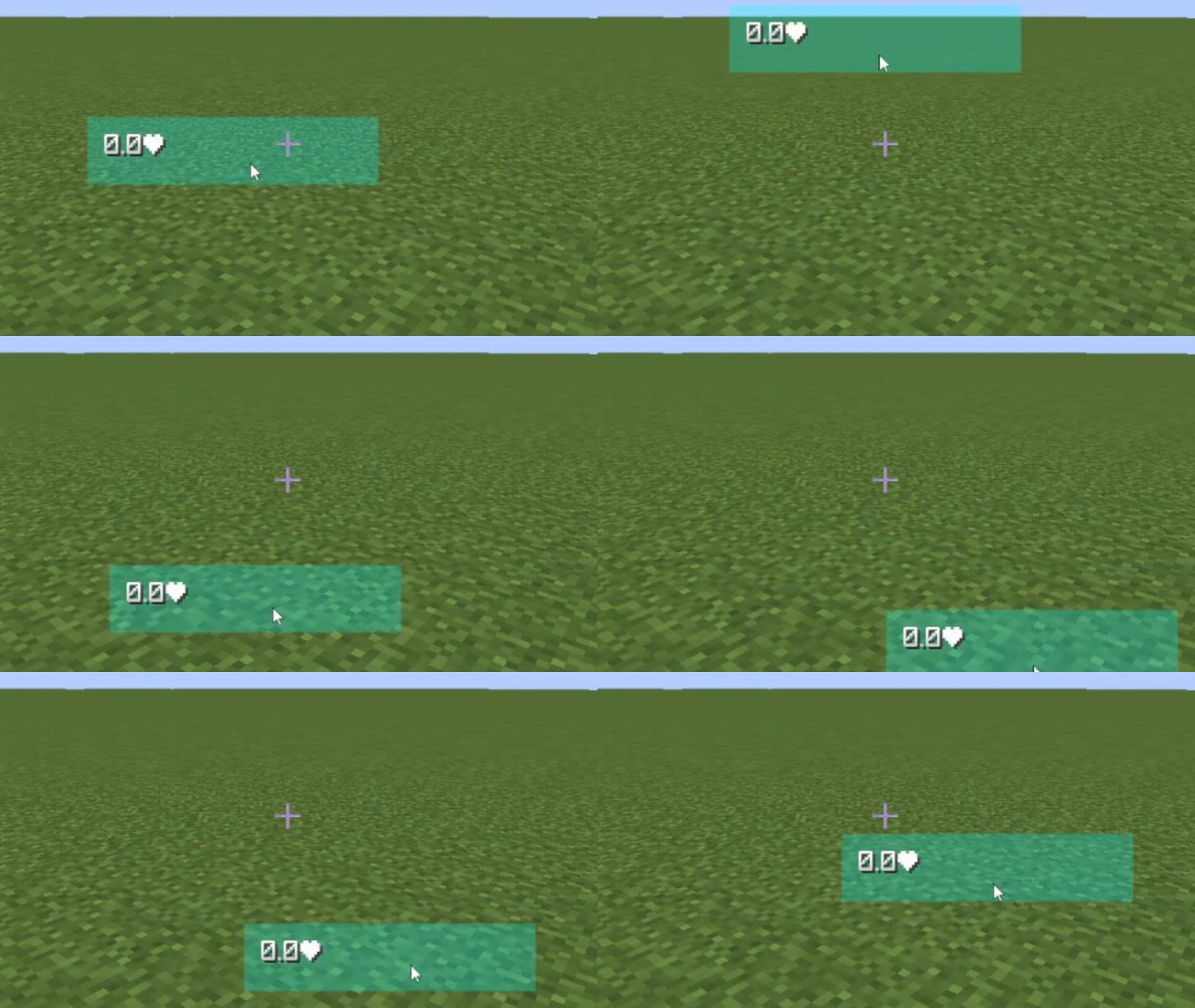
/hitdisplay move
Enters drag-and-drop HUD positioning mode.
Customize where the HUD appears on screen.


| Version | Minecraft | Loader | Download |
|---|---|---|---|
|
Hit Display v1.3.0 1.3.0 |
1.21.10, 1.21.11, 1.21.5, 1.21.6, 1.21.7, 1.21.8, 1.21.9
|
fabric
|
Download |
|
Hit Display v1.2.0 1.2.0 |
1.21, 1.21.1, 1.21.2, 1.21.3, 1.21.4
|
fabric
|
Download |
|
Hit Display v1.1.0 1.1.0 |
1.21, 1.21.1, 1.21.2, 1.21.3, 1.21.4
|
fabric
|
Download |
|
Hit Display v1.0.1 1.0.1 |
1.21, 1.21.1, 1.21.2, 1.21.3, 1.21.4
|
fabric
|
Download |
|
Hit Display v1.0.0 1.0.0 |
1.21, 1.21.1, 1.21.2, 1.21.3, 1.21.4
|
fabric
|
Download |