🌐 ITITAN Hosting

Hotbar Layout Editor
Customize your Minecraft hotbar layout directly in game.
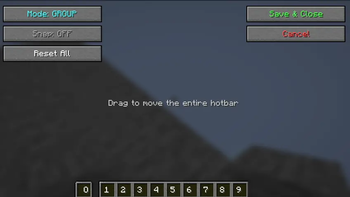
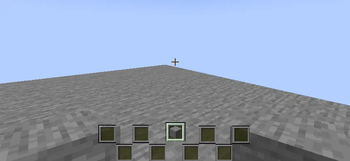
Move each slot individually, move the whole hotbar as a group, hide GUI slots visually.
Clean Gui
How to Use
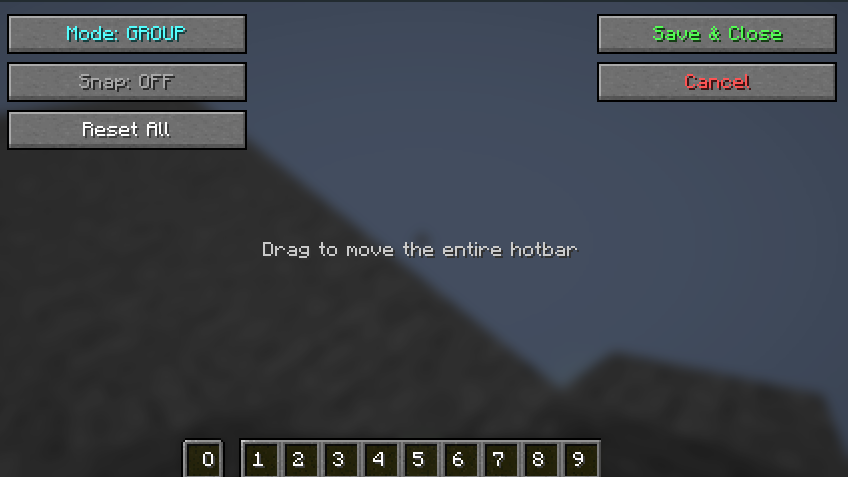
- Press
Hto open the editor - Choose your editing mode:
- Group: Drag to move all slots together
- Individual: Drag each slot separately
- Right-click on the slot you want to hide. Right-click again to make it visible again.
- Enable Snap for grid-aligned positioning
- Click the "Reset" button to clear the changes
- Click the "Save & Close" button to save your changes

This mod is client-side only and safe to use on any server. It does not modify inventory behavior, send packets, or require server-side installation.
Your feedback is important to us. You can write on Discord. Discord name: tpcoffline
TODO
- Add image background support for hud