

This mod allows you to trigger vanilla game key bindings by clicking the HUD icon in the top right corner.
Many mods add a large number of key bindings, making it difficult to remember and use them all. HUD Menu lets you assign icons to key bindings and place them in a compact in-game HUD. Hold the configured mouse key, hover an icon to see its function name, and click it to simulate the corresponding key press.
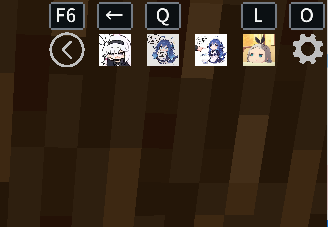
Features:
- Display key binding icons directly on the HUD
- Support Minecraft vanilla item icons and resource textures
- Support PNG, JPG, and JPEG icons
- Configure vanilla and mod key bindings
- Keys can remain unbound while still being triggered from the HUD
- Expand and collapse the HUD with an animated toggle
- Drag HUD placement and adjust its scale
- Drag icons to change their order
- Support up to 9 HUD slots
- Save and restore modpack author presets
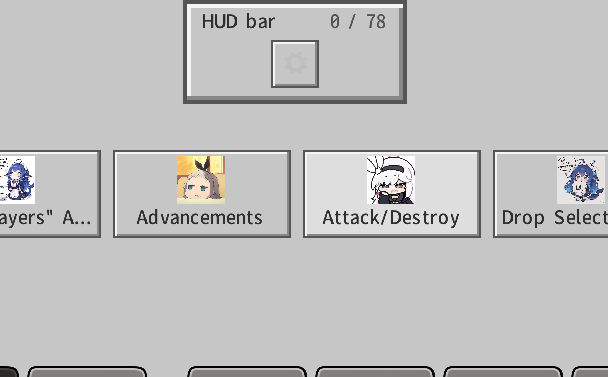
Default keys:
- O: Open the HUD editor
- F6: Expand or collapse the HUD
- Left Alt: Release the mouse for HUD interaction
- Hold alt + scroll wheel: select an icon and use it with left click
Custom image path: .minecraft/config/Hud_Menu/icons/
Modpack presets: .minecraft/config/Hud_Menu/hud-menu-preset.json
The Reset button restores the modpack author's preset. Reset All restores all keys, icons, slots, HUD position, and scale to the mod defaults.
No gallery available for this project.