


Play your own music without ever leaving Minecraft





Play your own music while you're playing Minecraft — no alt-tabbing, no external apps. Drop your .ogg or .mp3 files in and they show up in a music player built right into the game, cover art and lyrics included, all editable without touching a config file.
Features
- In-game player — Library, Now Playing, and Editor tabs, themeable to match your HUD
.oggand.mp3support — bring your existing collection over as-is- Lyrics — type them in or drop a
.txtfile next to the track - Drag-and-drop importing — no digging through config folders
- Live editing — rename tracks, fix artist names, swap cover art, all from the UI
- Real clipboard support — paste straight from a browser into any text field
- Global keybind — open the player from any screen, not just in-world
- Live file scanning — add music while the game's running and it just shows up
- Full playback controls — play, pause, skip, repeat, shuffle, seek, independent volume
- Handles big libraries — cover art loads without stuttering your game
Setup
In-game (recommended)
- Open the player with your keybind (set it in Controls)
- Drag your
.ogg/.mp3files into the Add tab - Edit titles, artists, and covers from the Editor tab
Manual
- Drop your audio files into
config/music_player - Put cover art in
config/music_player/covers/ - Put lyrics
.txtfiles inconfig/music_player/lyrics/ - (Optional) Edit
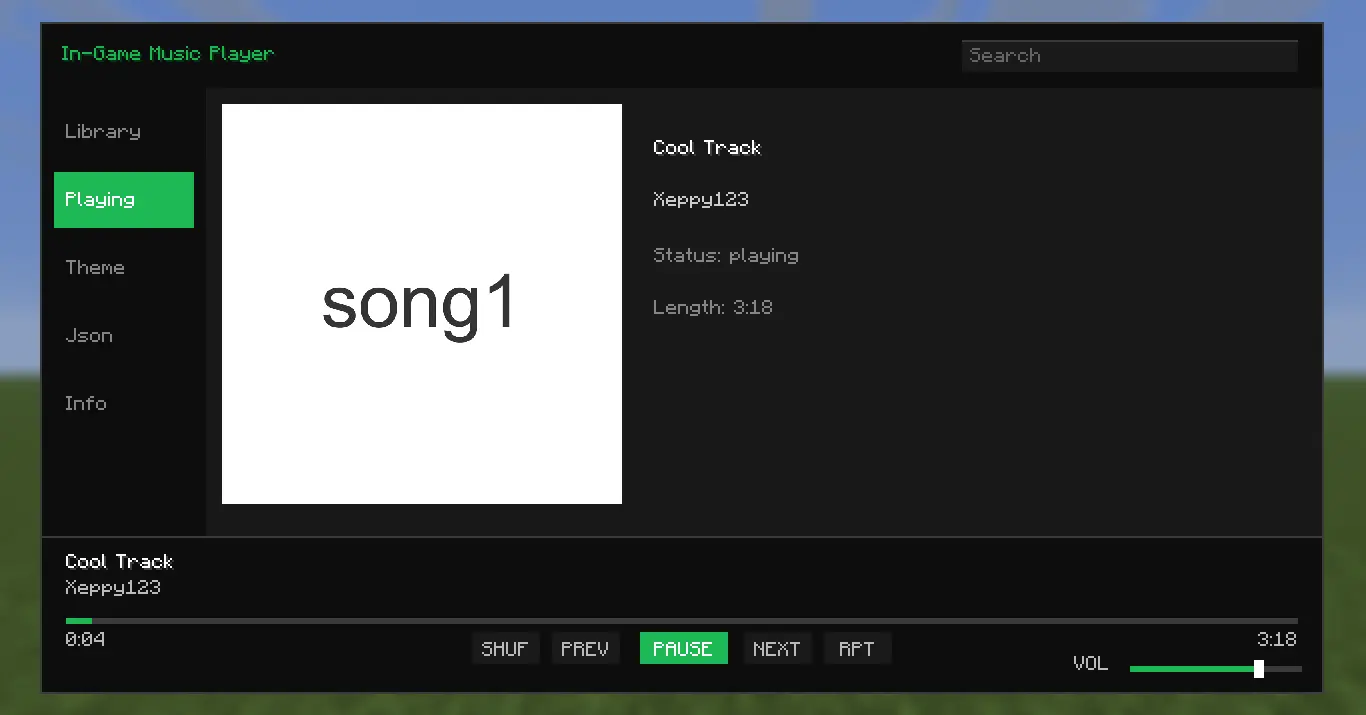
metadata.jsondirectly:
{
  "tracks": {
    "song1.ogg": {
      "title": "Cool Track",
      "artist": "Xeppy123",
      "thumbnail": "covers/song1.png",
      "lyrics": "lyrics/song1.txt"
    }
  }
}
Roadmap
- YouTube streaming (via lavaplayer) — no downloads needed
- SoundCloud integration
Spoiler
these are the features I'm trying to add soon.
Alternatives
- Music Player — better than mine to be honest, has availability to streaming services.
- Melodix Music Player — cool mod, it has the same functionality or works the same way.
License
In-Game Music Player is closed-sourced under the ARR. (might be open-sourced soon tho)
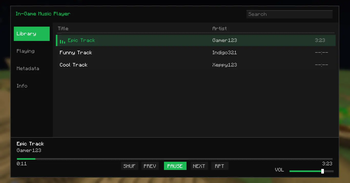
This Tab shows you all the tracks/songs you have currently.
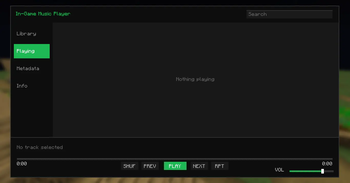
This is what the Playing Tab looks like when no track/song is playing.
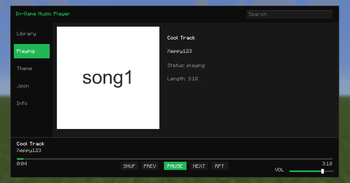
This is what the Playing Tab looks like when a track/song is playing.
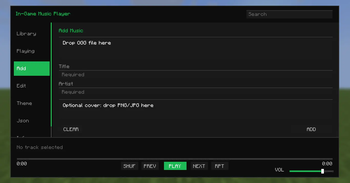
This Tab allows you to directly and instantly drop and drag in tracks or songs into the GUI without having to do it manually.
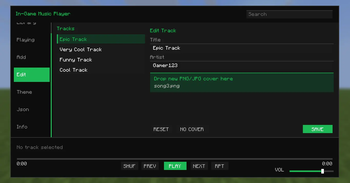
This Tab allows you to change your song or tracks title, author and either add a cover or change the cover.
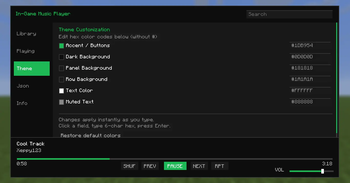
This Tab allows you to edit or change the GUI's theme, and also be able to reset it back to its original.
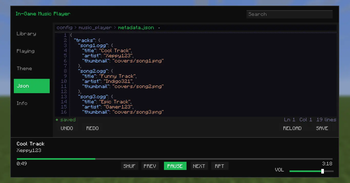
This Tab allows you to edit the metadata.json in-game without having to open the file manually.
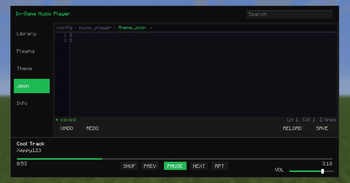
This Tab allows you to edit the theme.json in-game without having to open the file manually.
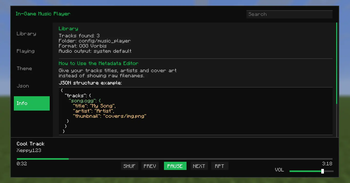
This Tab shows you info about the music player.
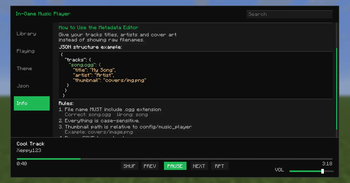
This Tab shows you info about the music player.
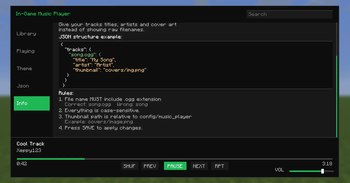
This Tab shows you info about the music player.
| Version | Minecraft | Loader | Download |
|---|---|---|---|
|
In-Game Music Player 1.19.1-1.0.1 1.19.1-1.0.1 |
1.19.1, 1.19.2
|
fabric
|
Download |
|
In-Game Music Player 1.20-1.0.1 1.20-1.0.1 |
1.20, 1.20.1
|
fabric
|
Download |
|
In-Game Music Player 1.21-1.0.0 1.21-1.0.0 |
1.21, 1.21.1
|
fabric
|
Download |
|
In-Game Music Player 1.21.2-1.0.0 1.21.2-1.0.0 |
1.21.2, 1.21.3
|
fabric
|
Download |
|
In-Game Music Player 1.21.4-1.0.0 1.21.4-1.0.0 |
1.21.4
|
fabric
|
Download |
|
In-Game Music Player 1.21.5-1.0.0 1.21.5-1.0.0 |
1.21.5
|
fabric
|
Download |
|
In-Game Music Player 1.21.6-1.0.0 1.21.6-1.0.0 |
1.21.6
|
fabric
|
Download |
|
In-Game Music Player 1.21.7-1.0.0 1.21.7-1.0.0 |
1.21.7, 1.21.8
|
fabric
|
Download |
|
In-Game Music Player 1.21.9-1.0.1 1.21.9-1.0.1 |
1.21.10, 1.21.9
|
fabric
|
Download |
|
In-Game Music Player 1.21.11-1.0.2 1.21.11-1.0.2 |
1.21.11
|
fabric
|
Download |
|
In-Game Music Player 26.1-1.0.1 26.1-1.0.1 |
26.1, 26.1.1, 26.1.2
|
fabric
|
Download |
|
In-Game Music Player 1.19.1-1.0.0 1.19.1-1.0.0 |
1.19.1, 1.19.2
|
fabric
|
Download |
|
In-Game Music Player 1.20-1.0.0 1.20-1.0.0 |
1.20, 1.20.1
|
fabric
|
Download |
|
In-Game Music Player 1.21.9-1.0.0 1.21.9-1.0.0 |
1.21.10, 1.21.9
|
fabric
|
Download |
|
In-Game Music Player 26.1-1.0.0 26.1-1.0.0 |
26.1, 26.1.1, 26.1.2
|
fabric
|
Download |
|
In-Game Music Player 1.21.11-1.0.1 1.21.11-1.0.1 |
1.21.11
|
fabric
|
Download |
|
In-Game Music Player 1.0.0 1.0.0 |
1.21.11
|
fabric
|
Download |
|
In-Game Music Player 1.0.0 1.0.0 |
1.21.11
|
fabric
|
Download |
|
In-Game Music Player 1.0.1 1.0.1 |
1.21.11
|
fabric
|
Download |
|
In-Game Music Player 1.0.0 1.0.0 |
1.21.11
|
fabric
|
Download |