

Once a Recolor Tablet is bound, you are able to right click with it again to open an interface with a list of every school of magic. When you select one of the schools of magic it opens a color wheel which you are able to use to change the hue of all spells from that school.
By default, the hue is set to the nearest average from the base mod. Clicking reset changes it back to what it is normally.
Commands:
Spoiler
- /toggleBonus
- /gamerule disableTablet
- /recolor set
<0-360> - /recolor check element
- /recolor check group
- /recolor ban
- /recolor unban
- /recolor reset
- /recolor group create
- /recolor group rename
<new_name> - /recolor group delete
- /recolor group add
- /recolor group remove
- /recolor group list
- /recolor group set
<0-360> - /recolor group reset
- /recolor group check
Compatibility:
- Hazen 'N Stuff (by HazentouvelPrime)
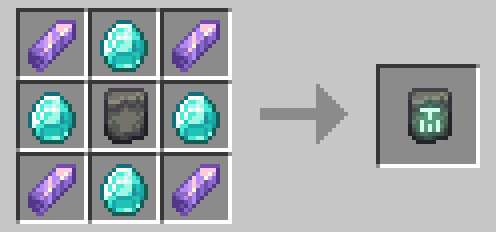
Crafting recipe for the Recolor Tablet
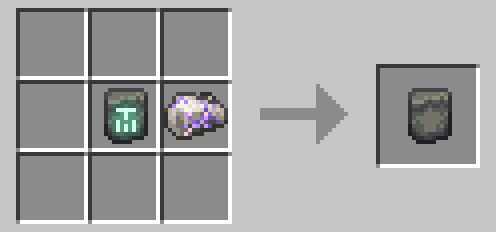
Recolor Tablet can be uncrafted into a Blank Runestone like any other rune
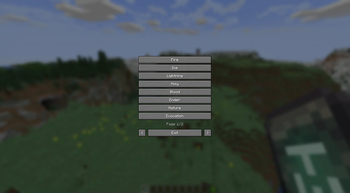
Here you can pick what element you wish to adjust the color of
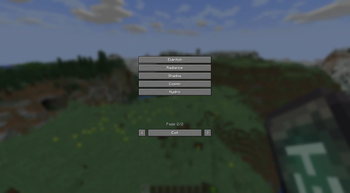
The menu displays the elements from all compatible installed addons
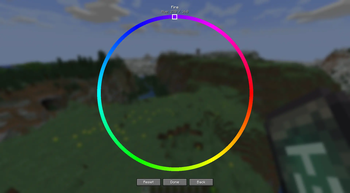
Pick any color, save, reset, or go back without saving. Hue is displayed at the top for future reference
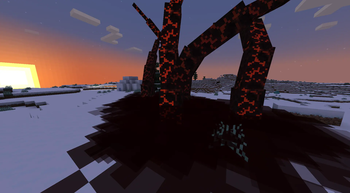
Hue: 357

Hue: 207
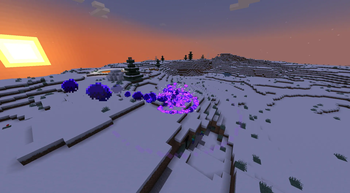
Hue: 270