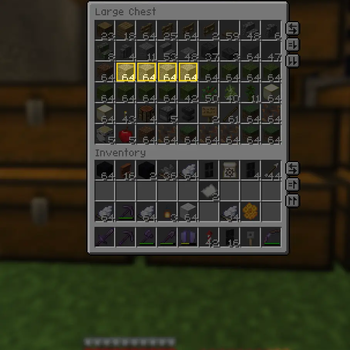
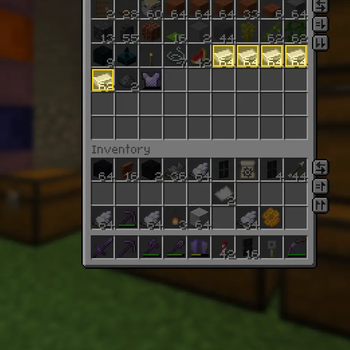
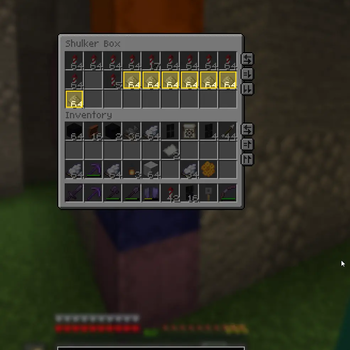
Item Searchbar
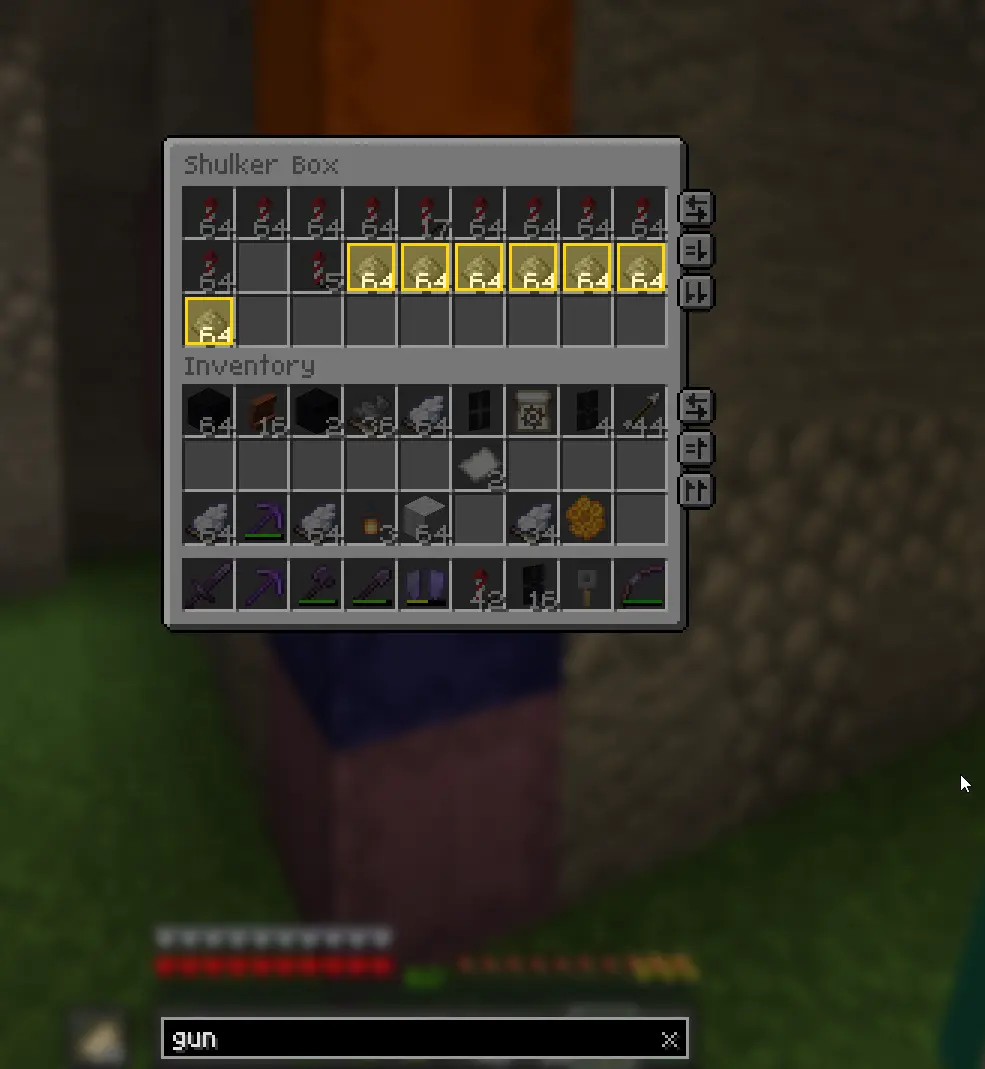
Finding one stack in a wall of double chests means opening each one and reading it. Inventory Search puts a search bar on every container screen: type what you are after, and matching items light up while everything else fades back.
The query sticks around. Close the chest, walk to the next one, open it — the highlights are already there, with no retyping.
Features
- Works on every container — player inventory, chests, barrels, shulkers, ender chests, furnaces, anvil, enchanting table, brewing stand, hoppers, dispensers, villager trading, beacon, loom, smithing table, stonecutter, horse inventory, and modded screens built on the same base class.
- The query persists across screens. It is only cleared when you clear it.
- Highlights the whole screen, including the player inventory rows below a chest.
- Search operators —
@modid,#tag,!negation,"quoted phrases", and multiple terms ANDed together. - Search more than names — registry ids by default, plus optional lore, enchantments and full tooltip text.
- Fully configurable look — highlight colour and thickness, dim colour and opacity, optional fill, optional pulse, bar at the top or the bottom.
- No hard dependencies beyond Fabric API. Config is plain JSON, with a
/invsearchclient command for the common toggles. - No server install. The mod never sends a packet.
Query syntax
| Input | Meaning |
|---|---|
stone |
substring match, case-insensitive |
stone brick |
both terms must match |
"stone brick" |
one exact substring, spaces included |
@minecraft |
only items from that mod |
#logs |
only items in that item tag |
!gunpowder |
exclude matches |
An empty query renders the screen exactly like vanilla.
Controls
| Key | Action |
|---|---|
| Focus search bar | unbound by default, set it under Controls |
| Clear search | unbound by default |
Click the bar / the x |
focus / clear |
Esc |
first press unfocuses, second closes the screen |
Enter |
unfocus, keep the query |
While the bar is focused, E types a letter instead of closing the screen. When it is
not focused, hotbar keys and shift-click work exactly as in vanilla.
Commands
/invsearch toggle, /invsearch autofocus, /invsearch creative,
/invsearch clear, /invsearch reload — all client-side.
Requirements
- Fabric Loader 0.19.3 or newer
- Fabric API
Multiplayer
Safe on servers, including vanilla ones. The mod only decorates your own screen and never sends or requires a custom packet.
Notes
- Settings live in
config/invsearch.json; the creative inventory is skipped by default because it has its own search field. - Tooltip search is off by default — it is the only expensive matching mode.
- The query is memory only and does not survive a game restart.
Made by Sebi. Licensed under MIT.