Measuring Stick
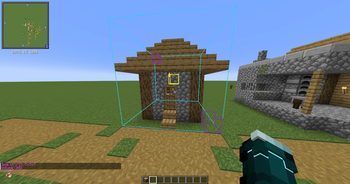
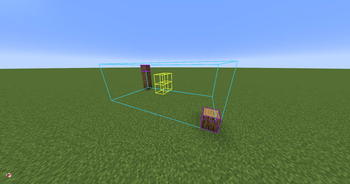
Measuring stick is a client-side mod that helps with building by letting you select a region of blocks, and run WorldEdit-like commands on it or highlight the center blocks.
It is also compatible with Sable.
How to use
You can enter/exit selection mode by pressing G (default) and right-clicking (hold Ctrl to select midair) two blocks to create a selection.
This will highlight a box around that region of blocks along with their center block(s).
You can clear the selection by pressing K (default).
You can also use the commands /mspos1, /mspos2, and /msclear instead if you want to.
You can also configure whether you want the outlines to render through blocks or not.
Once you've made a selection, you can run any of these commands with it.
Commands
/mssize- Shows dimensions and volume of the selection/mscount <block>- Counts how many of a specified block are in the selection/mspos1 [pos]- Sets the first selection position/mspos2 [pos]- Sets the second selection position/msclear- Clears the selection