
Paint your Shulkers!
Turn every shulker box into a tiny piece of pixel art.
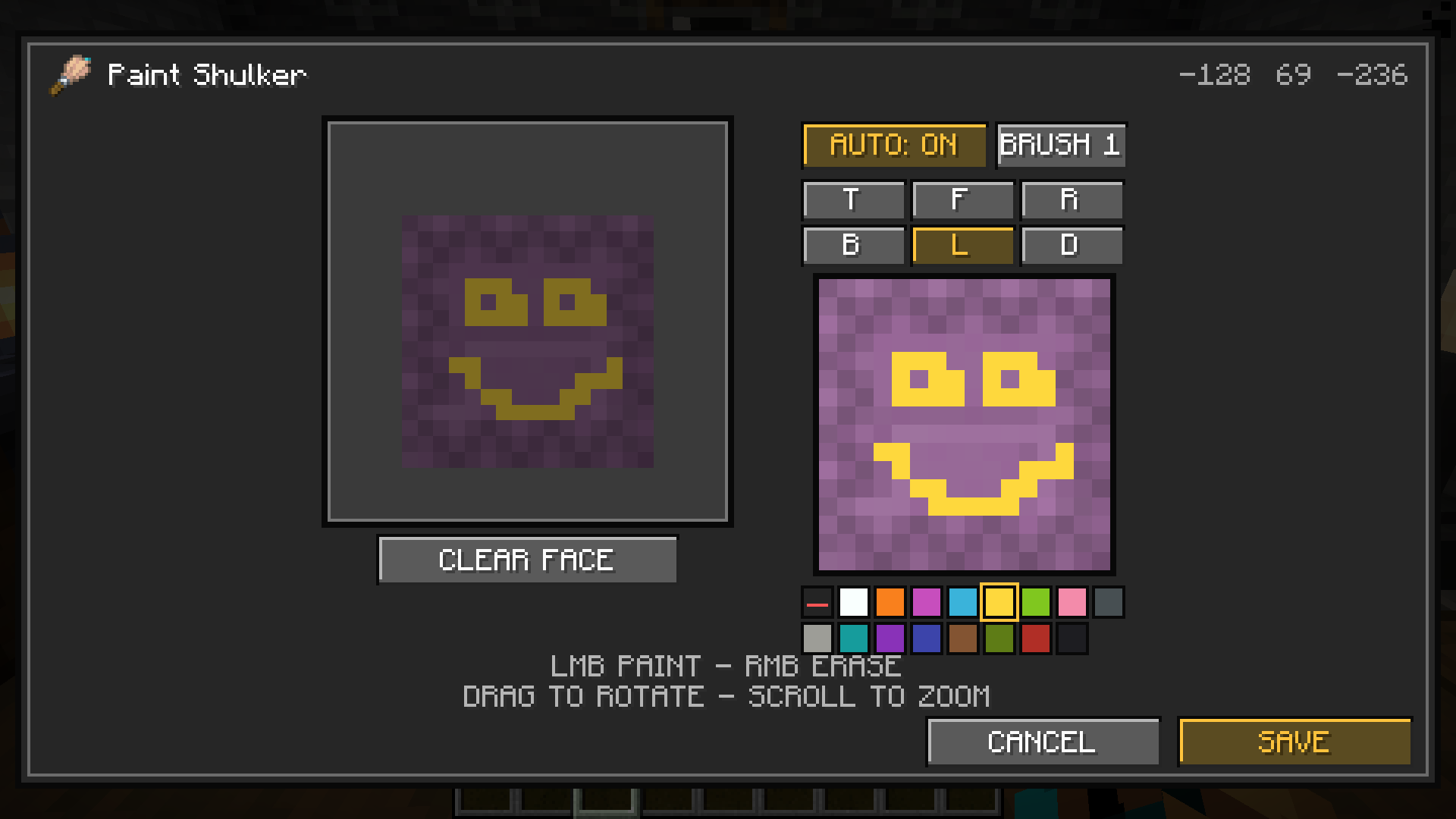
Paint your Shulkers! adds a polished, Minecraft-styled painting editor for all sixteen shulker box colors. Open the editor, rotate a live 3D preview, choose any face, and recolor individual pixels without replacing the familiar vanilla model or animation.
Features
- Paint all six sides on a precise 16×16 grid.
- Choose from the sixteen classic Minecraft dye colors.
- Adjust the brush from 1×1 up to 5×5 pixels.
- Paint with left click, erase with right click, rotate by dragging, and zoom with the scroll wheel.
- Use Auto Face to automatically edit whichever side is facing you.
- See the real vanilla or resource-pack texture beneath unpainted pixels.
- Keep artwork visible while shulkers open, close, break, move, unload, or reconnect.
How to use
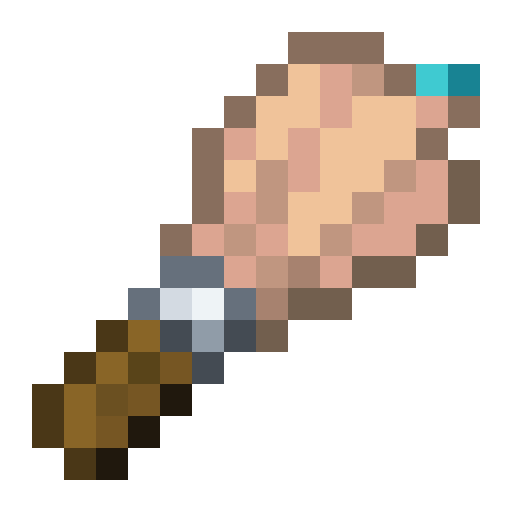
Craft the Paint Brush vertically with a feather on top, an iron ingot in the middle, and a stick at the bottom. Select it and right-click a placed shulker box. You can also sneak-right-click with both hands empty which allows this mod to work on servers too!
Multiplayer notes
Painting data is stored locally and rendered only for you, so other players do not need the mod and will not see your designs. The empty-hand shortcut works on unmodified servers. Because servers cannot recognize a client-only custom item, crafting and using the Paint Brush itself requires compatible server-side registration; singleplayer supports it normally. Depending on which server you play on, it might be a little buggy, as it is primarily made for Singleplayer.
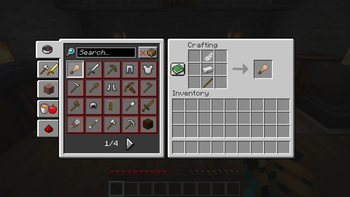
You can craft the Paint Brush using 1 stick, 1 iron ingot and 1 feather. By using the Paint Brush on a shulker box you can enter the Paint UI. Alternatively especially when you are playing on a server you can sneak + rightclick to acces the Paint UI.
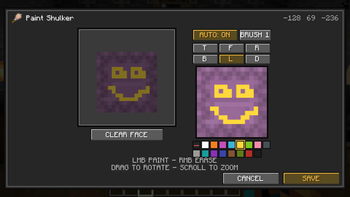
Here you can see how the UI looks like. You can change colours, brush sizes and faces.
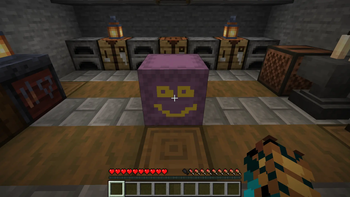
Here you can see how the painted Shulker Box looks ingame outside of the paint UI.
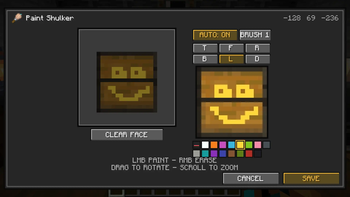
As you can see the mod also automatically detects texture packs and sets their textures as standard.
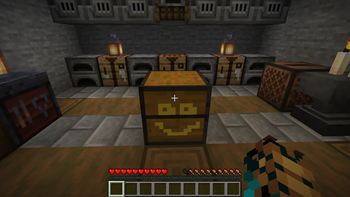
As you can see the painted Shulker Box also displays correctly when using a texture pack.
| Version | Minecraft | Loader | Download |
|---|---|---|---|
|
Paint your Shulkers! 1.6.8 1.6.8 |
1.21.1
|
fabric
|
Download |