ParticlePeek
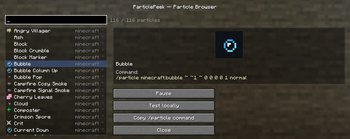
See what a particle actually looks like — before you ever type /particle.
ParticlePeek is a lightweight, client-side utility for map makers, datapack creators, command-block users and server builders. Stop guessing particle names and running the same command over and over — browse, search and preview every particle right in-game, then copy a ready-to-use command.
✨ Features
Browse & search
- 🔎 Particle Browser — open with
/particlepeekor a keybind. Lists every registered particle, vanilla and modded (read live from the game registry — nothing is hard-coded). - ⌨️ Search by name or namespace; the namespace is shown for every entry.
- ⭐ Favourites — star the particles you use most; they jump to the top and are remembered between sessions.
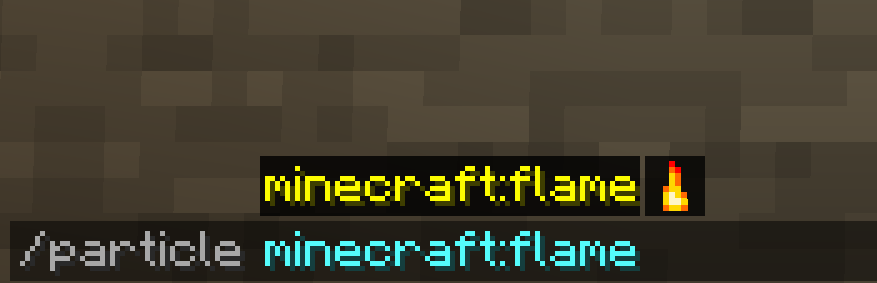
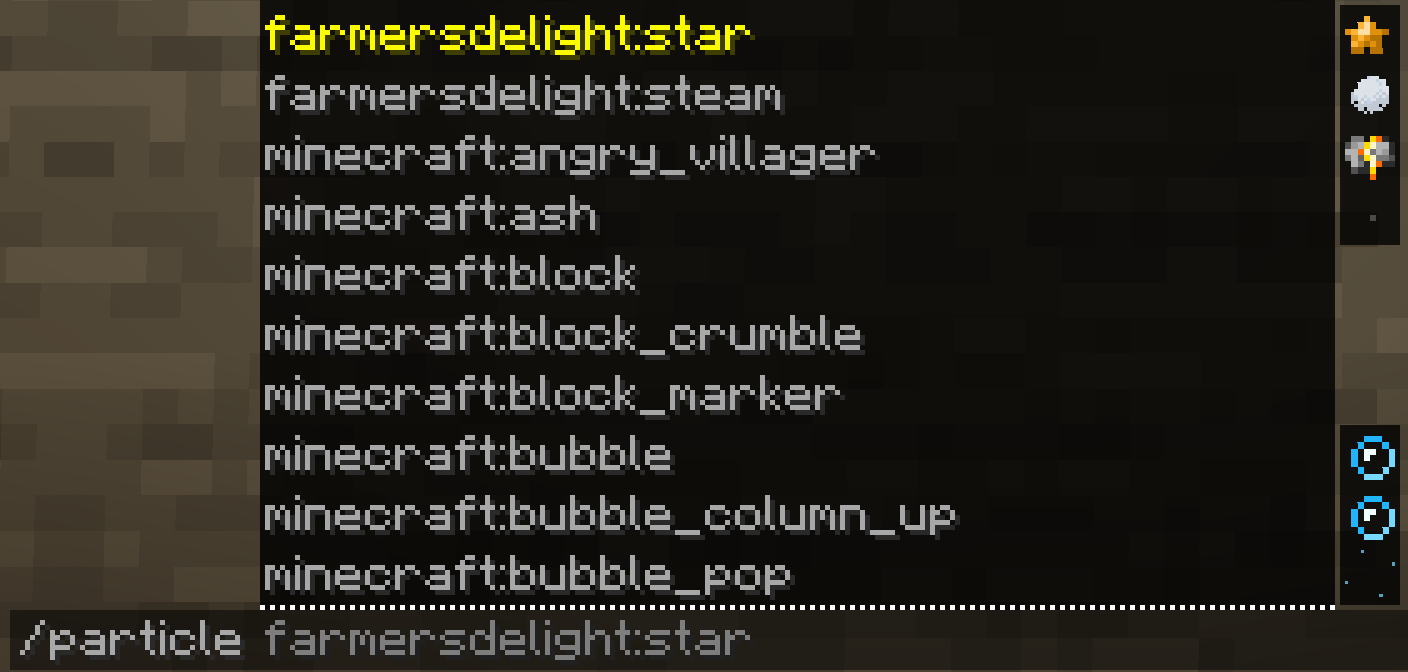
- 🖼️ Icons everywhere — a little particle sprite next to each name in the browser and next to each suggestion in the
/particleauto-complete, so you spot the right one at a glance.
Real previews
- 🎬 The particle's actual texture, in its real colour (e.g.
dripping_lavais orange — read from the particle itself, not guessed)… - 🌀 …with live motion — a real particle is ticked so the preview drifts / falls / fades like the real thing, on a loop. Play / Pause whenever you like.
Build & test
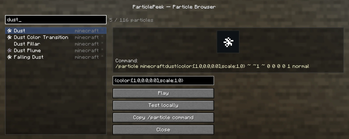
- 🛠️ Parameter editor — for particles that need extra data (
dust,block,item,dust_color_transition, …) edit the parameters right in the panel. Input is validated live (using the game's own particle parser, so it works for modded particles too) and turned into a fully-correct command. - ⚡ Test locally — spawn the particle (or your configured one) in front of you, purely client-side. No server needed.
- 📋 Copy
/particlecommand — a correct, ready-to-paste command, every time.
🧩 Client-side — no server install needed
ParticlePeek runs entirely on your client. Use it in single-player or on any multiplayer server (vanilla or modded) without installing it server-side. It never crashes on unknown or modded particles.
📦 Requirements
- Minecraft 1.21.8 — Fabric
- Fabric API
- Java 21
🎮 How to use
- Install Fabric Loader + Fabric API, then drop ParticlePeek into your
modsfolder. - In-game, run
/particlepeek— or bind a key in Options → Controls → ParticlePeek. - Search, watch the preview, tweak parameters, then Test locally or Copy command.