

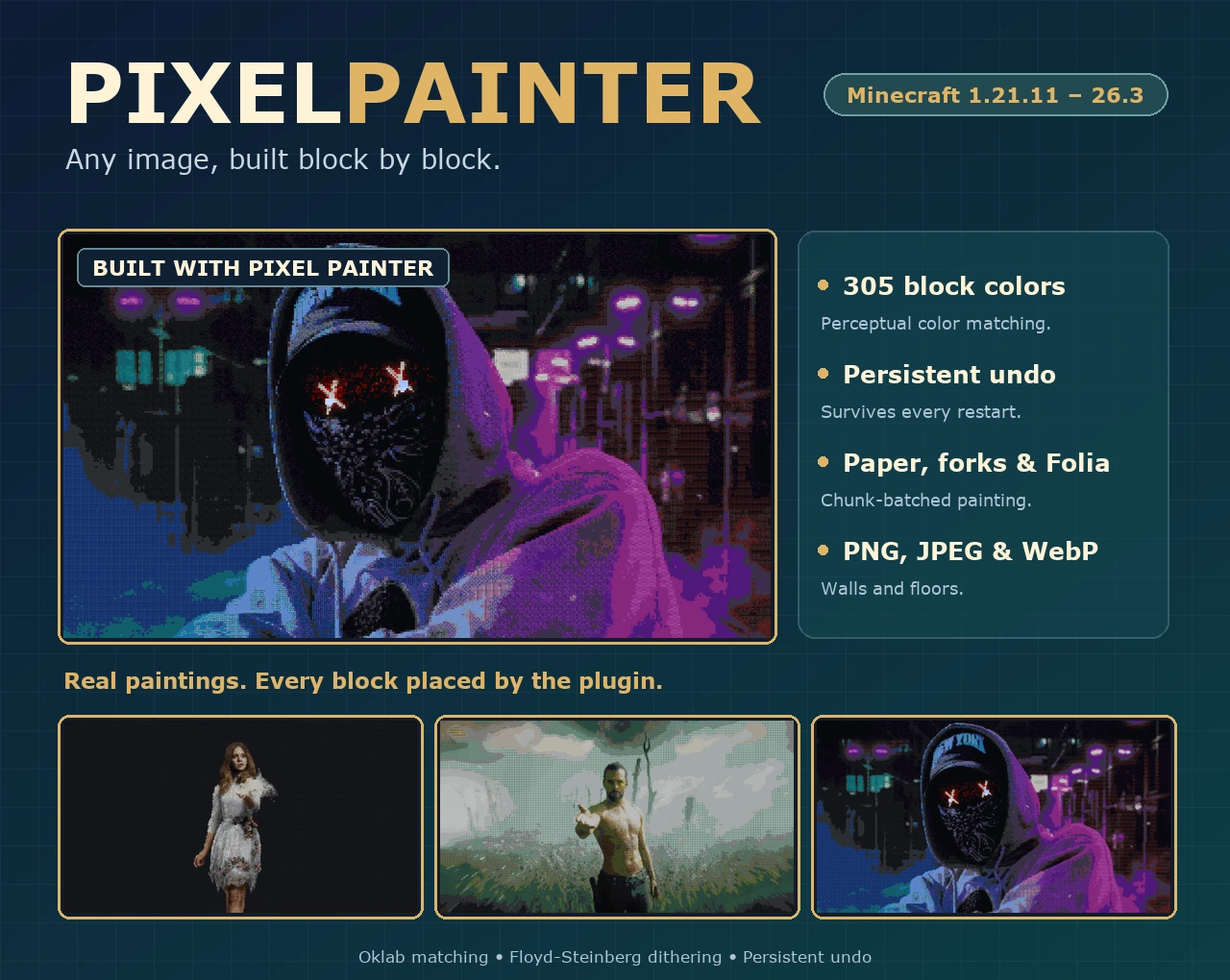
Pixel Painter
Turn images into block art.
305 block colors · Oklab color matching · Persistent undo Paint PNG, JPEG and WebP images straight into your world.
Drop an image into the plugin folder, stand where you want the art to begin and run one command. Pixel Painter matches every pixel to the closest block, builds the picture in your world and keeps a journal so you can undo it, even after a restart.

Paint anything
PNG, JPEG and WebP sources are painted as vertical walls or horizontal floor art in eight directions. Pick an exact height in blocks and the width follows the original aspect ratio. Transparent pixels can be kept as empty space.
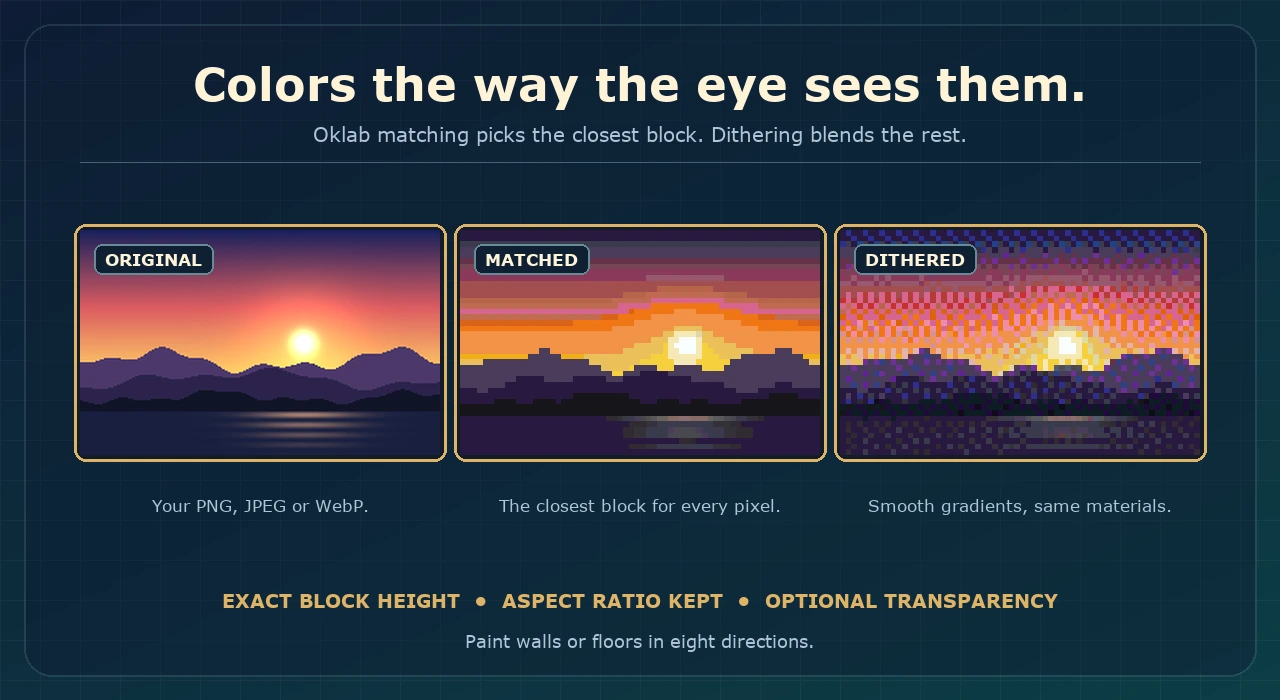
Colors that match
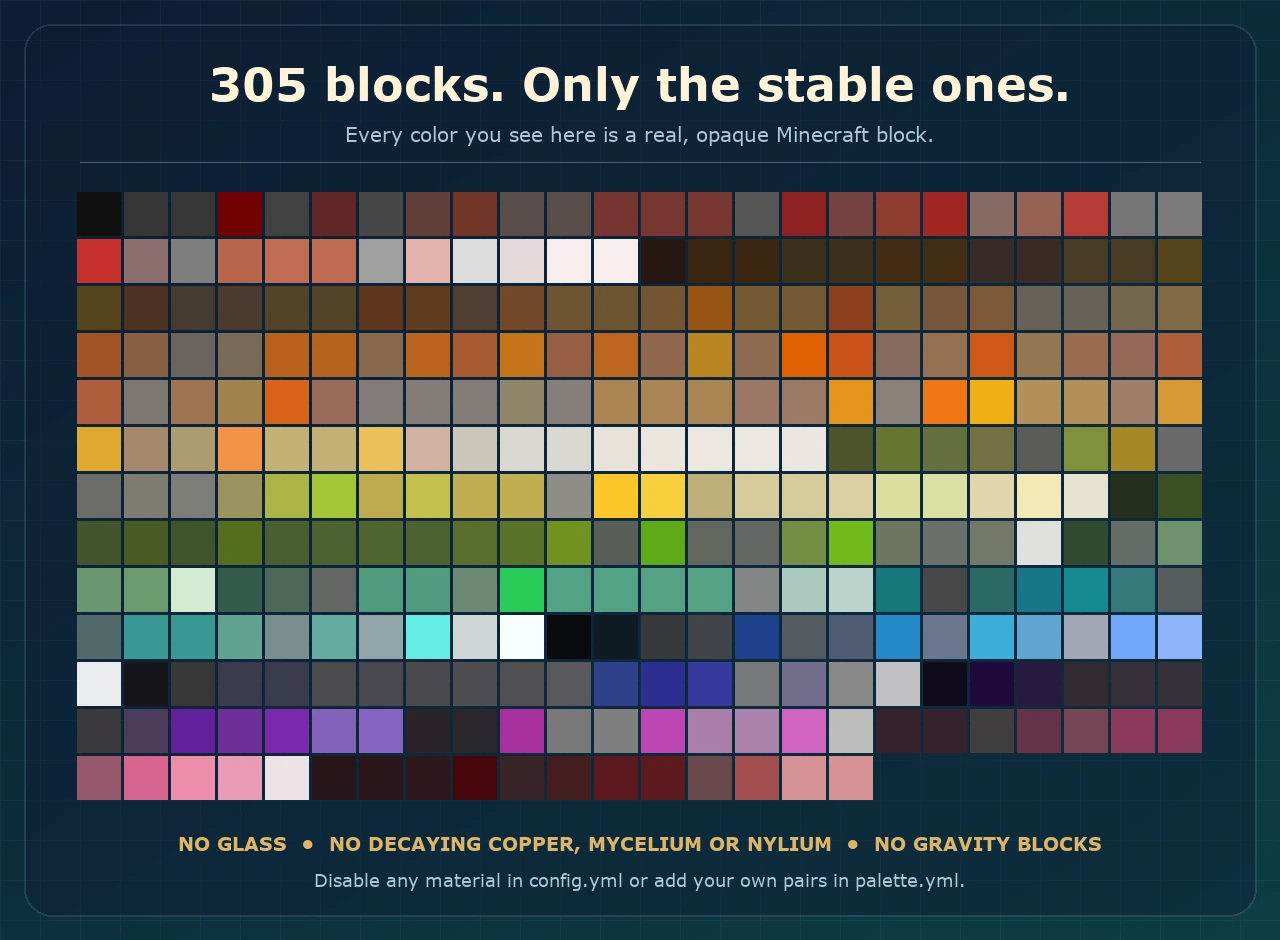
305 opaque block materials are matched with Oklab perceptual color distance, with optional Floyd-Steinberg dithering for smoother gradients. Choose the full palette or limit it to the block families you want.
Safe to build and safe to undo
- Estimate dimensions and material counts with
/pp previewbefore touching the world. - Tick-limited, chunk-batched world edits with private progress and cancellation.
- Durable undo journals keep the original block properties and recover from restarts and interrupted builds.
- A Paint anyway button appears when a painting crosses the world border.
Quick start
/pp list
/pp preview portrait.png 64 all true true
/pp create portrait.png north 64 true all true
/pp undo
Put image files in plugins/PixelPainter/images, stand at the bottom-left block of the picture and run /pp create. Every command and permission is listed in the documentation.
Requirements
- Paper or a Paper-based fork, or Folia, from 1.21.11 through 26.3.
- Java 25 or newer.
- Spigot and CraftBukkit are not supported.
Links
Documentation · Source · Issues · Discord · SpigotMC · BuiltByBit
