


PerPlayerProfiles
One Account. Multiple Profiles. Independent Progress.
PerPlayerProfiles allows multiple independent player profiles under a single Minecraft account.
Each profile has its own inventory, experience, location, statistics, security PIN, and play-time settings, all managed through an intuitive in-game GUI.
Perfect for shared accounts, roleplay characters, family servers, and players who want completely separate experiences.
🖥️ Compatibility
Supported Minecraft Versions





Supported Server Platforms



✨ Everything You Need, In One Plugin
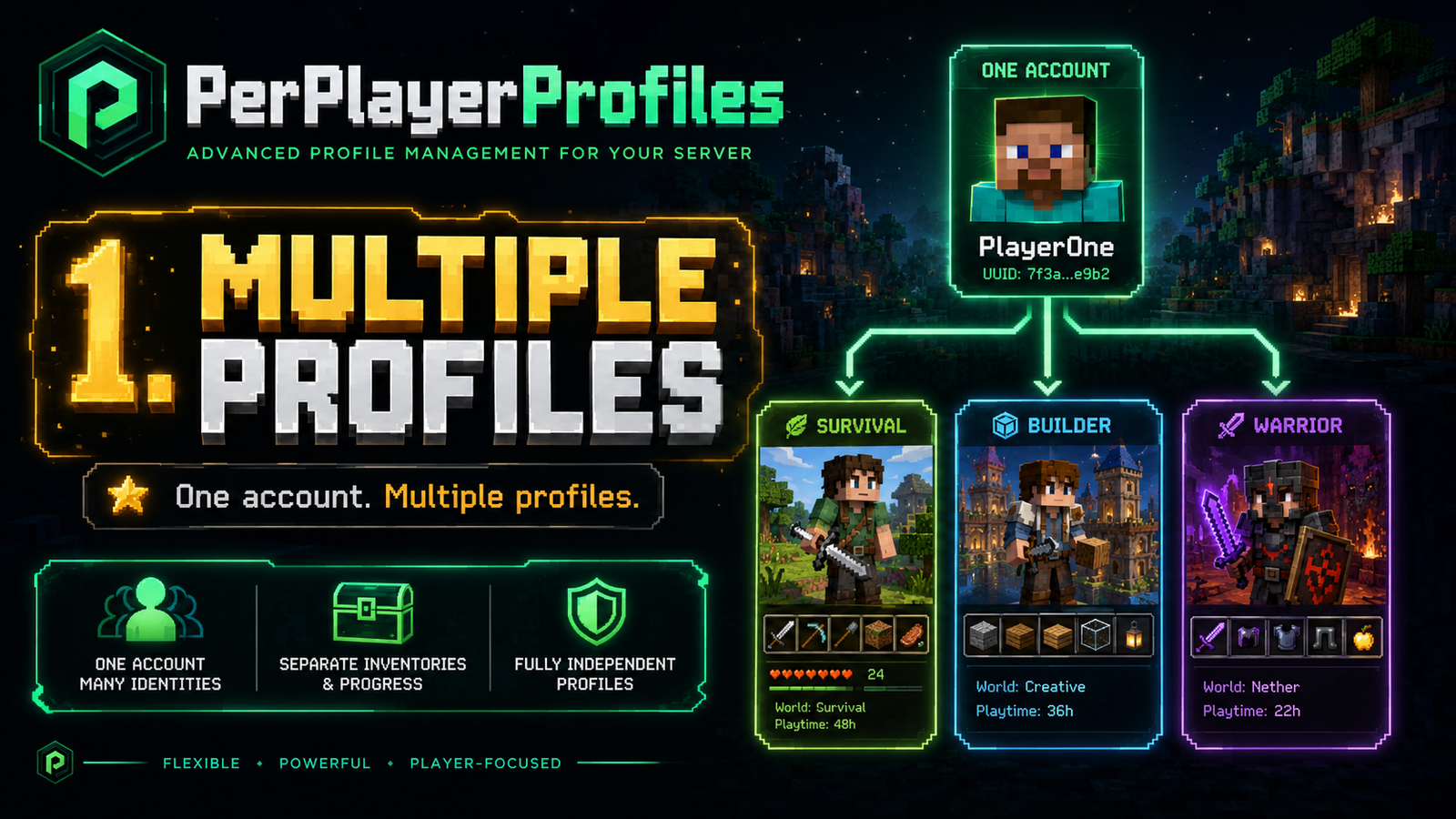
- 🧑 Multiple Profiles — Create separate identities under one Minecraft account.
- 🎒 Independent Progress — Separate inventories, XP, Ender Chests, locations, and player states.
- 👑 Master Profile — Manage profile creation, deletion, PINs, and restrictions.
- 🔐 PIN Protection — Protect profiles using an interactive numeric keypad.
- ⏱️ Play-Time Limits — Configure maximum play time with automatic renewal.
- 🎨 Custom Icons — Personalize profiles with configurable Minecraft heads.
- 🌐 Multilingual Support — English, Spanish, German, and French.
- 🛡️ Login Compatibility — Works alongside supported GUI-based authentication systems.
🎒 Your Profile. Your Progress.
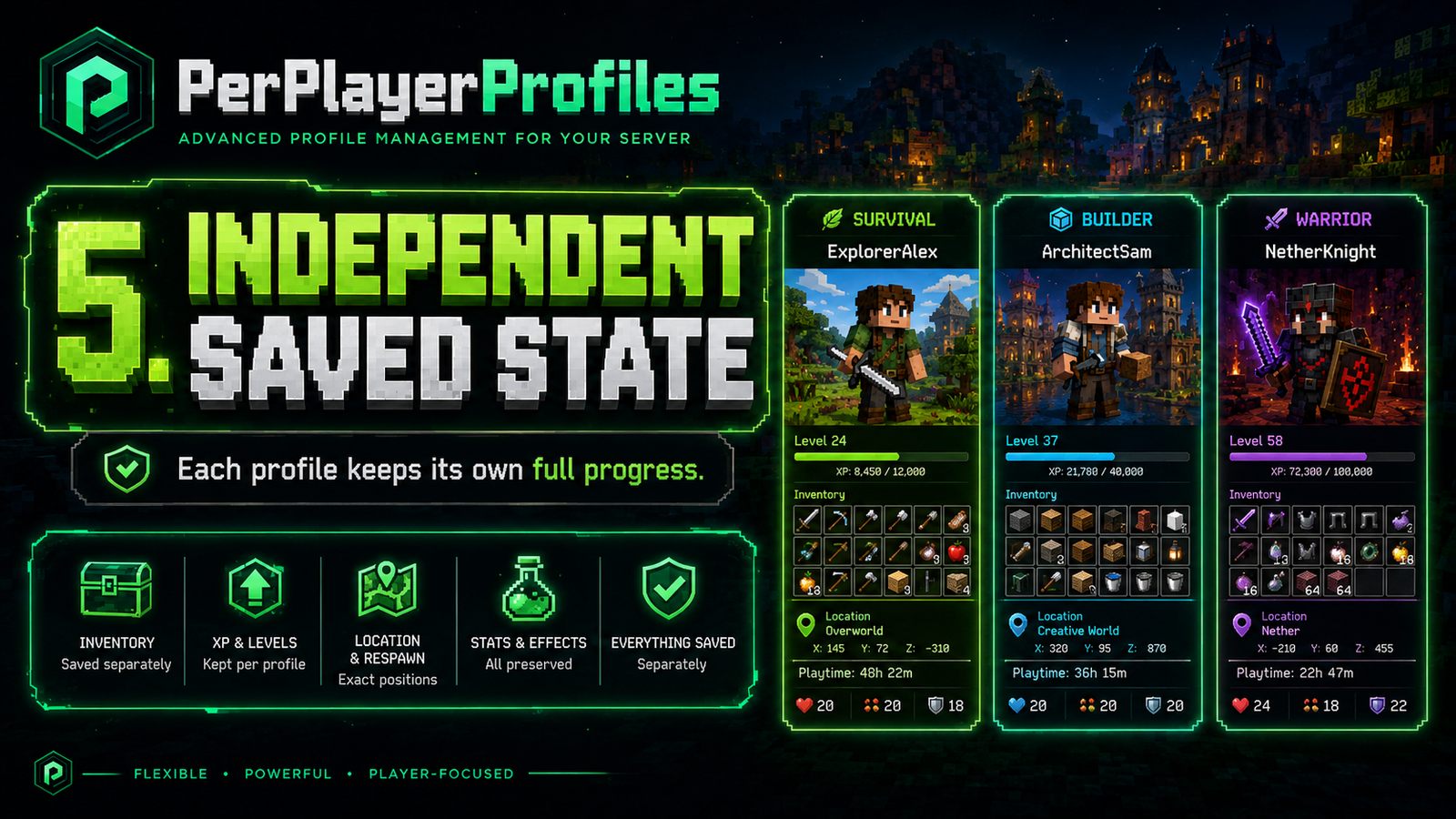


Every profile maintains its own saved player state.
| Category | Independently Saved |
|---|---|
| 🎒 Inventory | Items, armor, offhand, Ender Chest |
| ⭐ Experience | XP, level, total experience |
| ❤️ Survival | Health, hunger, potion effects |
| 🌍 Locations | Last location, bed and respawn points |
| 🎮 Gameplay | Game mode, flight state, basic statistics |
New profiles start completely fresh: empty inventory, zero XP, full health, and an initial location at the world spawn.
No copying another profile's inventory or progress.
👑 Master Profile System
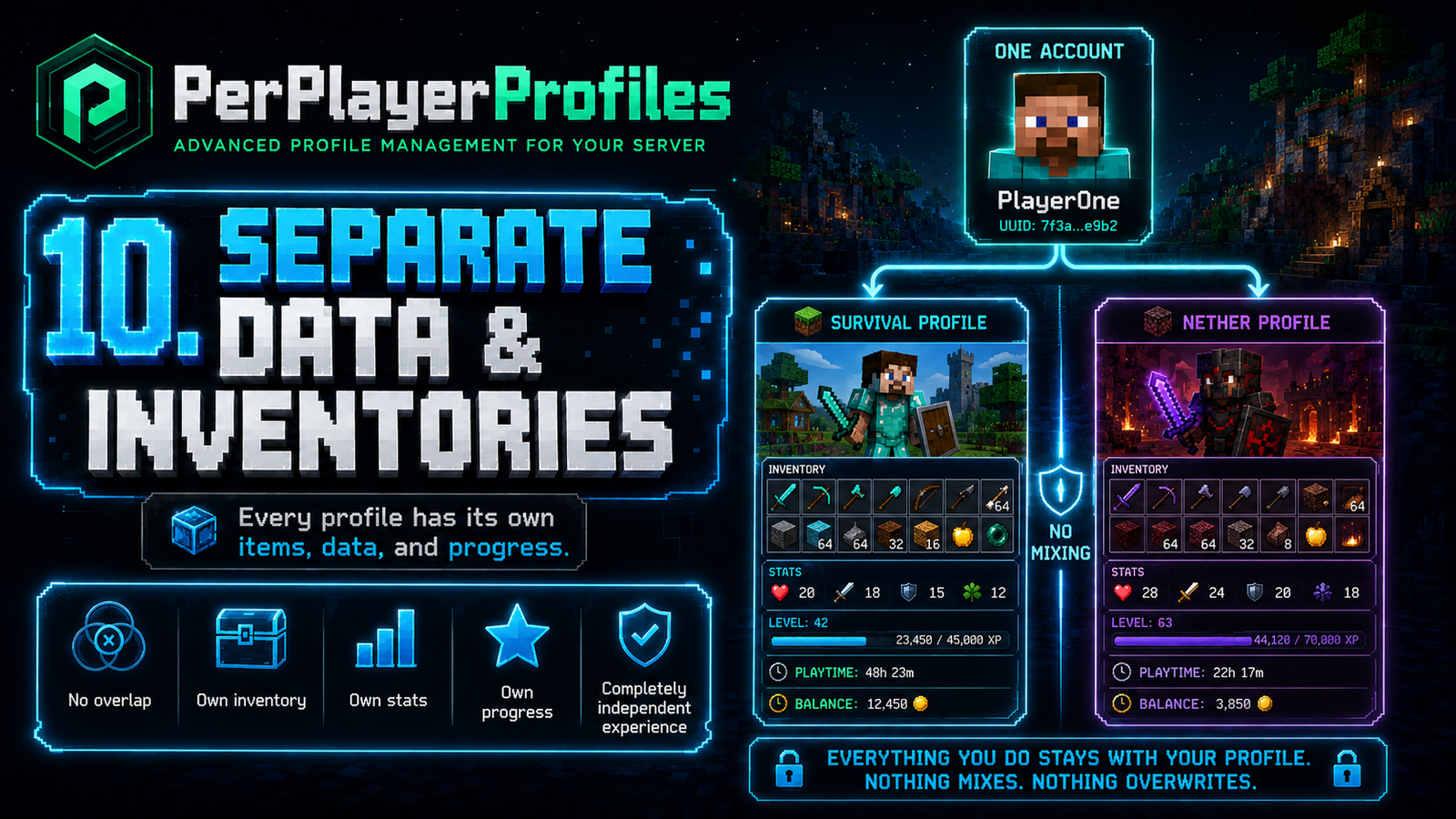

The first profile becomes the Master Profile, responsible for managing the account.
It can create and delete profiles, manage PINs, configure restrictions, and customize profile settings.
The Master Profile cannot be deleted, always appears first, and retains its permissions even when renamed.
🔐 Visual PIN Protection
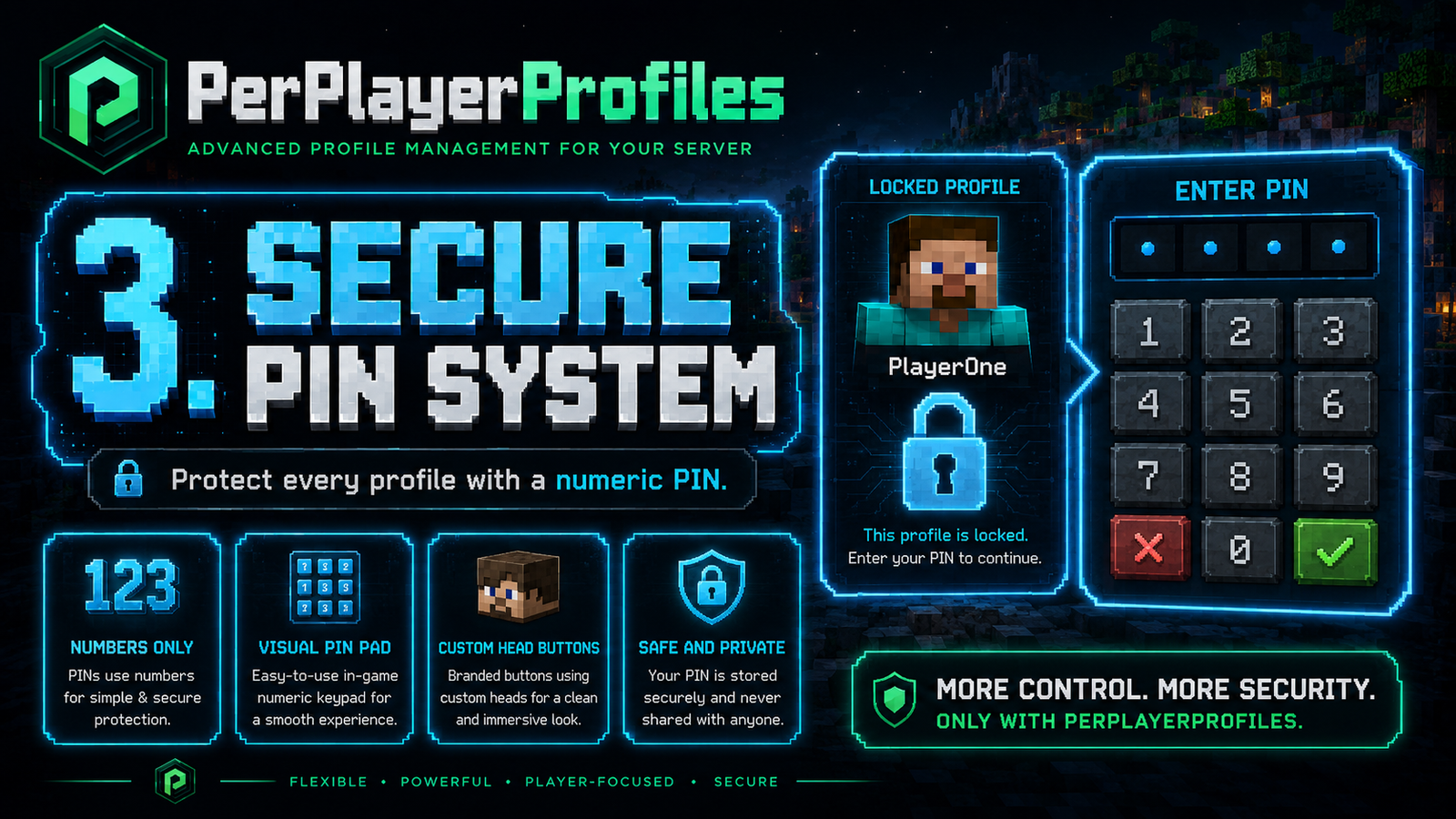



Keep individual profiles protected with a visual numeric PIN system.
- Configurable PIN length from 4 to 9 digits.
- Interactive keypad with custom Minecraft heads.
- Visual feedback for incorrect PINs.
- Change or remove personal PINs.
- Separate Master PIN for sensitive actions.
- Master-controlled PIN resets.
Everything is managed directly in-game.
⏱️ Smart Play-Time Management
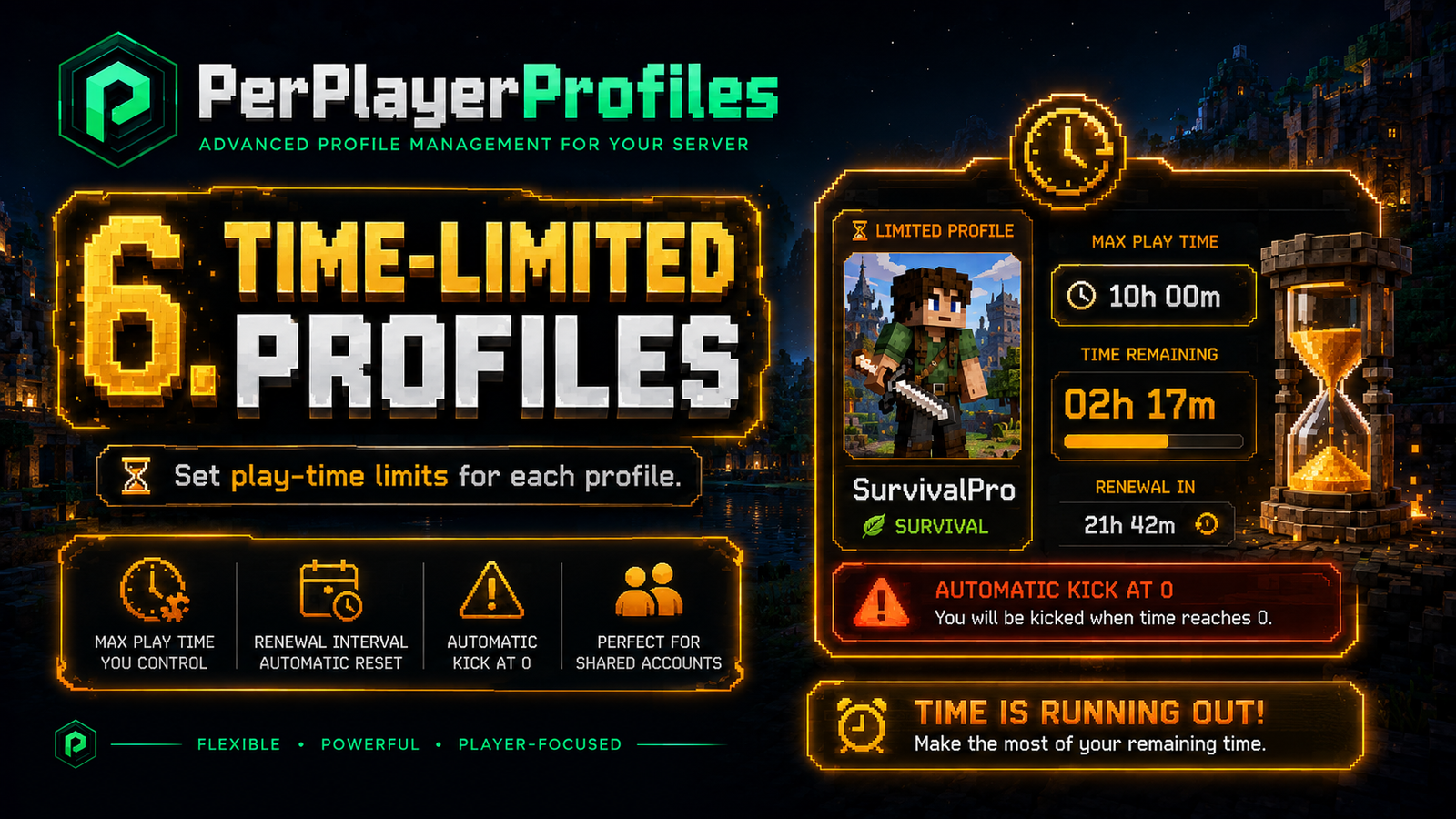



The Master Profile can assign individual play-time restrictions to other profiles.
Example: Allow 60 minutes of gameplay every 24 hours.
Players receive visual ActionBar warnings as their time runs out:
- 🟠 5 minutes: Orange countdown.
- 🔴 1 minute: Red countdown.
- 🚨 30 seconds: Blinking red countdown.
When the limit is reached, the player is automatically disconnected.
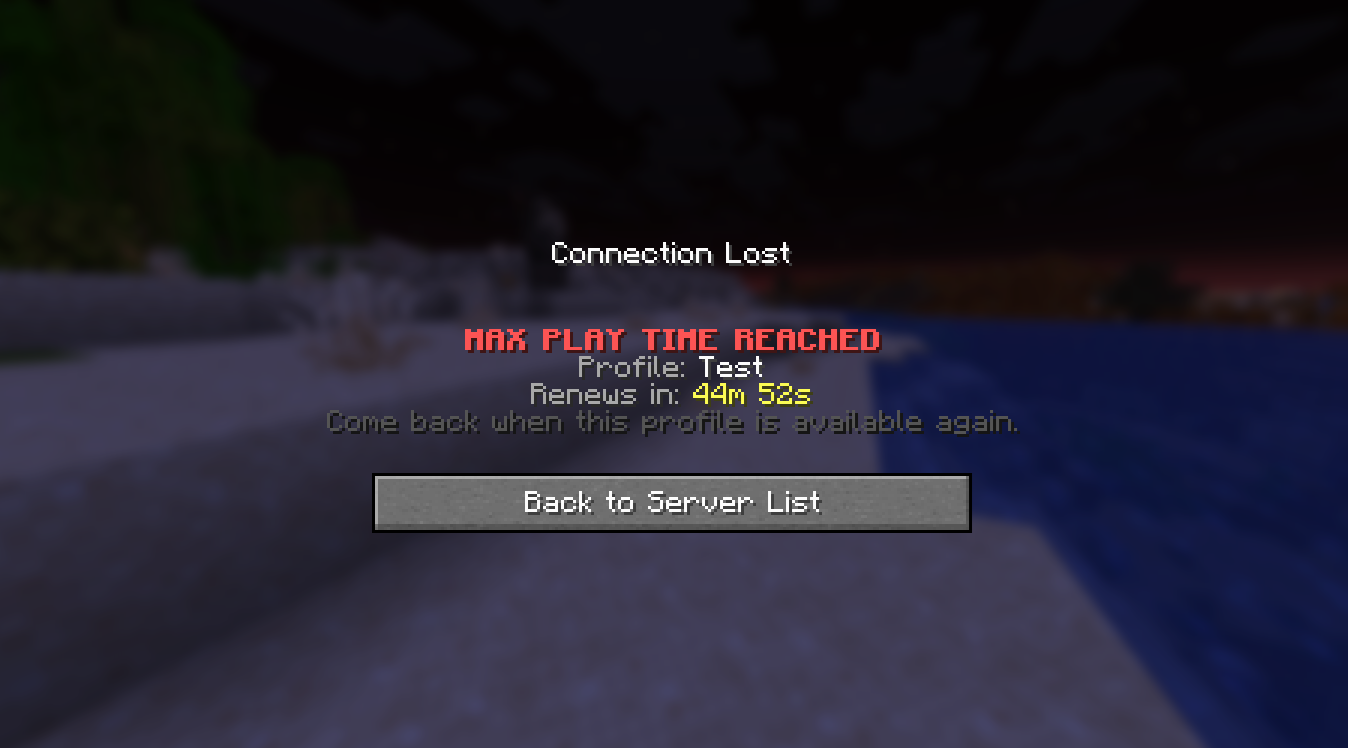
The kick screen displays the affected profile and its renewal time.
🎨 Customization & Languages
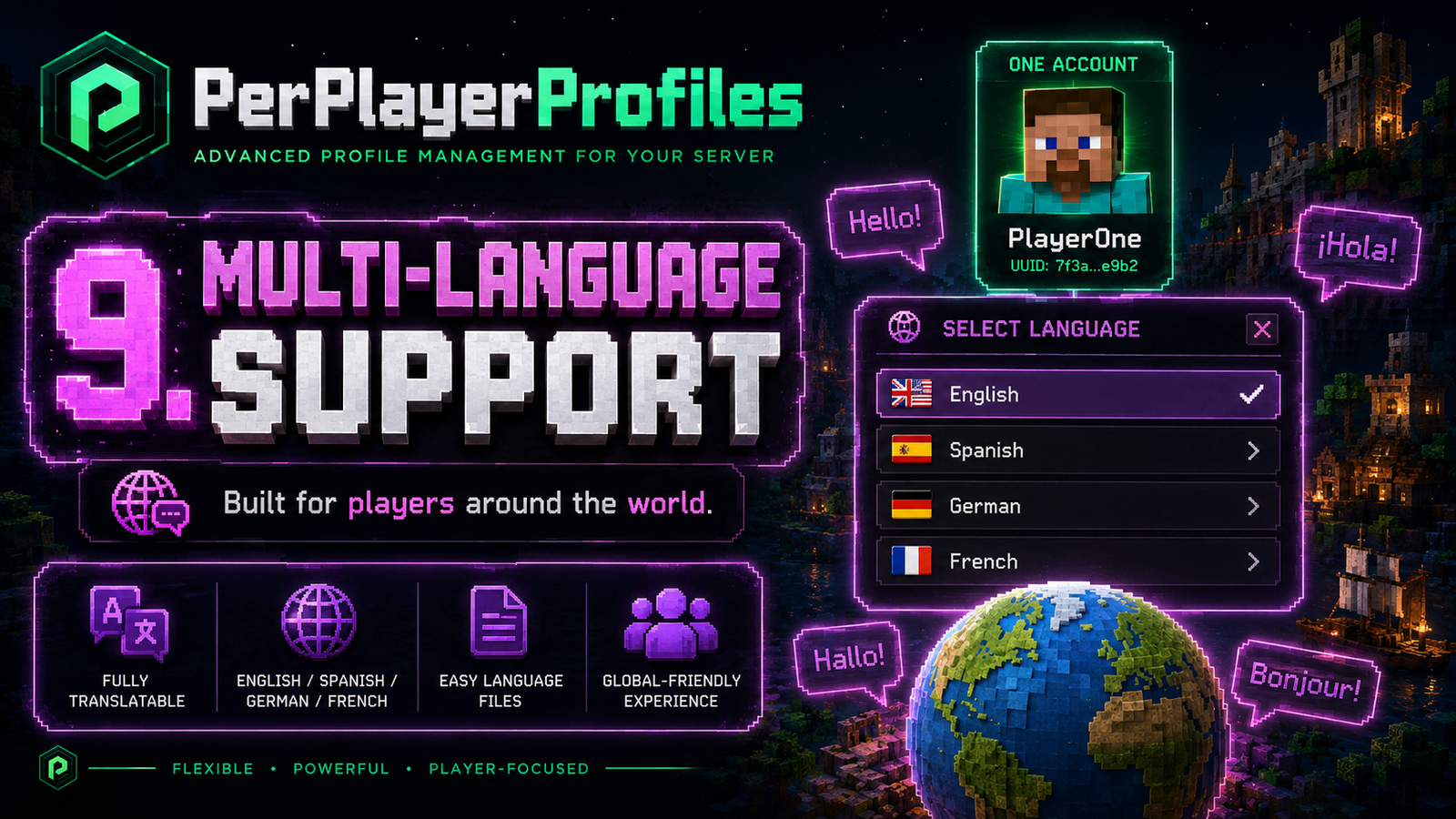
Customize profile icons using Minecraft heads, with support for additional Base64 skull textures.
Available Languages


All language files are separately configurable.
🛡️ Optional Security Integration
PerPlayerProfiles supports integration with Server Password, allowing players to complete server authentication before opening the profile selector.
 |
SERVER PASSWORD  Minecraft Compatibility      Platforms: Paper · Spigot · Bukkit |
How it works
- Players authenticate through Server Password first.
- PerPlayerProfiles waits for authentication to finish.
- The profile selector opens afterward without interrupting the login process.
Server Password is optional and not required to use PerPlayerProfiles.
View Server Password on Modrinth
⚙️ Installation & Commands
Quick Installation
- Download the plugin
.jar. - Place it inside your server's
plugins/folder. - Restart your server.
- Customize
plugins/PerPlayerProfiles/config.yml.
Main Command
/profiles
Opens the main profile-management interface.
Aliases: /ppp · /pprofile · /perfil · /perfiles
📋 View all available commands
/profiles list
/profiles create <name> [pin]
/profiles use <name> [pin]
/profiles delete <name> [masterPin]
/profiles lock <name> <pin>
/profiles unlock <name> <currentPin>
/profiles setmasterpassword <pin>
/profiles setlimit <profile> <maxMinutes> <renewEveryHours> [masterPin]
Most features can be managed through the in-game GUI.
⚙️ Basic configuration examples
Maximum profiles per account:
profiles:
  max-per-account: 3
Open the selector on join:
profiles:
  open-selector-on-join: true
PIN length:
security:
  pin:
    min-length: 4
    max-length: 9
Authentication integration:
profiles:
  selector-auth-wait-seconds: 60

compatibility:
  server-password:
    wait-for-auth: true
🚀 One Account. Your Own Experience.
Multiple profiles. Independent progress. Complete control.
PerPlayerProfiles makes managing multiple Minecraft identities simple, organized, and accessible — all from inside the game.



| Version | Minecraft | Loader | Download |
|---|---|---|---|
|
Per Player Profiles 1.0.0 1.0.0 |
26.3
|
bukkit, paper, spigot
|
Download |
|
Per Player Profiles 1.0.0 1.0.0 |
26.2
|
bukkit, paper, spigot
|
Download |
|
Per Player Profiles 1.0.0 1.0.0 |
26.1, 26.1.1, 26.1.2
|
bukkit, paper, spigot
|
Download |
|
Per Player Profiles 1.0.0 1.0.0 |
1.21, 1.21.1, 1.21.10, 1.21.11, 1.21.2, 1.21.3, 1.21.4, 1.21.5, 1.21.6, 1.21.7, 1.21.8, 1.21.9
|
bukkit, paper, spigot
|
Download |
|
Per Player Profiles 1.0.0 1.0.0 |
1.20, 1.20.1, 1.20.2, 1.20.3, 1.20.4, 1.20.5, 1.20.6
|
bukkit, paper, spigot
|
Download |
|
Per Player Profiles 0.4-BETA-26X 0.4-BETA-26X |
26.1, 26.1.1, 26.1.2, 26.2, 26.3
|
bukkit, paper, spigot
|
Download |
|
Per Player Profiles 1.2X-0.4-BETA 1.2X-0.4-BETA |
1.20, 1.20.1, 1.20.2, 1.20.3, 1.20.4, 1.20.5, 1.20.6, 1.21, 1.21.1, 1.21.10, 1.21.11, 1.21.2, 1.21.3, 1.21.4, 1.21.5, 1.21.6, 1.21.7, 1.21.8, 1.21.9
|
bukkit, paper, spigot
|
Download |
|
Per Player Profiles 1.2X-0.3-BETA-26X 1.2X-0.3-BETA-26X |
26.1, 26.1.1, 26.1.2, 26.2
|
spigot
|
Download |
|
Per Player Profiles 1.2X-0.3-BETA 1.2X-0.3-BETA |
1.20, 1.20.1, 1.20.2, 1.20.3, 1.20.4, 1.20.5, 1.20.6, 1.21, 1.21.1, 1.21.10, 1.21.11, 1.21.2, 1.21.3, 1.21.4, 1.21.5, 1.21.6, 1.21.7, 1.21.8, 1.21.9
|
spigot
|
Download |
|
Per Player Profiles 1.2X-0.2-BETA 1.2X-0.2-BETA |
1.20, 1.20.1, 1.20.2, 1.20.3, 1.20.4, 1.20.5, 1.20.6, 1.21, 1.21.1, 1.21.10, 1.21.11, 1.21.2, 1.21.3, 1.21.4, 1.21.5, 1.21.6, 1.21.7, 1.21.8, 1.21.9, 26.1, 26.1.1, 26.1.2
|
bukkit, spigot
|
Download |
|
Per Player Profiles 1.2X-0.1-BETA 1.2X-0.1-BETA |
1.20, 1.20.1, 1.20.2, 1.20.3, 1.20.4, 1.20.5, 1.20.6, 1.21, 1.21.1, 1.21.10, 1.21.11, 1.21.2, 1.21.3, 1.21.4, 1.21.5, 1.21.6, 1.21.7, 1.21.8, 1.21.9
|
bukkit, paper, spigot
|
Download |