

Realmify 🌎
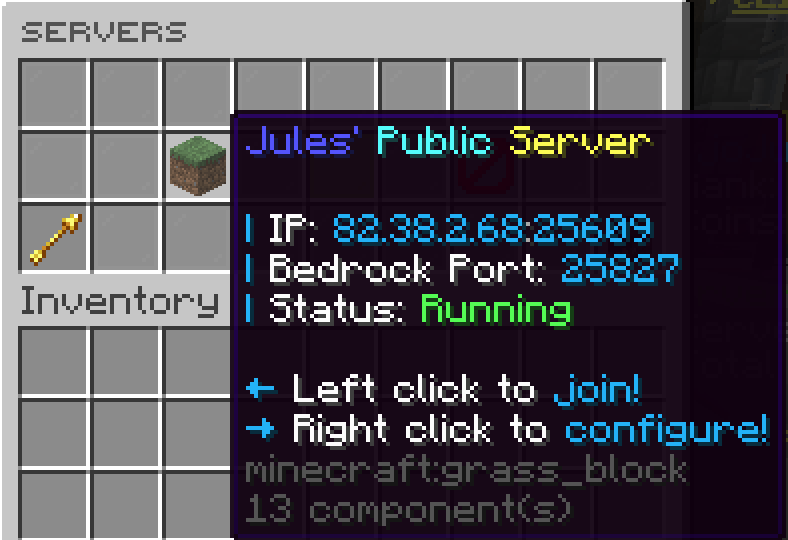
Realmify is a small project that allows you to host your own SMP server for free. Everything can be controlled ingame, with user friendly GUIs to simplify management.

Some screenshots 📸
FAQ 🔍
Click a question to expand the answer.
Getting started
How do I create a server?
Steps:
- Open your slots using the piston in your hotbar or the Servers item from the menu.
- Pick a free slot (1 to 3).
- Run through the setup: software, version, and options.
- Wait until the server is created and shows as running.
- When it is online, left click to join from the same menu.
Installing plugins
How do I install plugins?
Open Control for your server (/realm config <slot>), then open Plugins.
Choose one path:
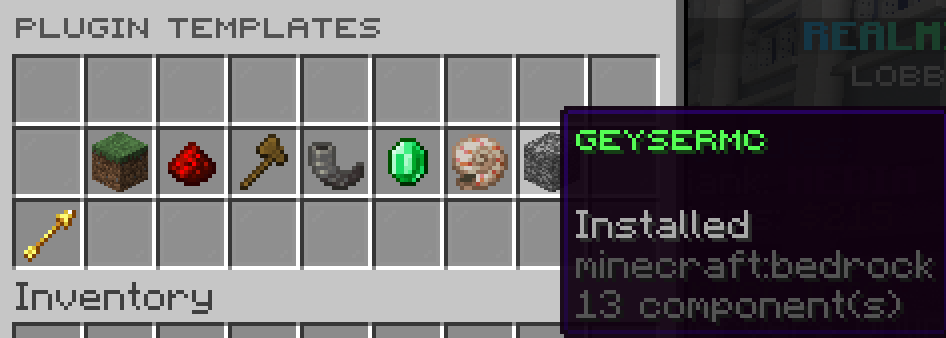
- Plugin templates: Curated one-click installs.
- Browse Modrinth: Search, pick a project, and install.
- Installed plugins: This screen lists what is already on the server. Remove plugins here when the network allows it.
Why can’t I find a plugin on Modrinth?
Common reasons:
- Some projects are hidden by network policy.
- Your search terms may not match how the project is named.
- If you still cannot find it, ask staff whether it is blocked on purpose.
Inviting players & friends
How do I let my friends join my server?
Two common setups:
- Whitelist: Add their Minecraft name so only listed players can join. Useful for private servers.
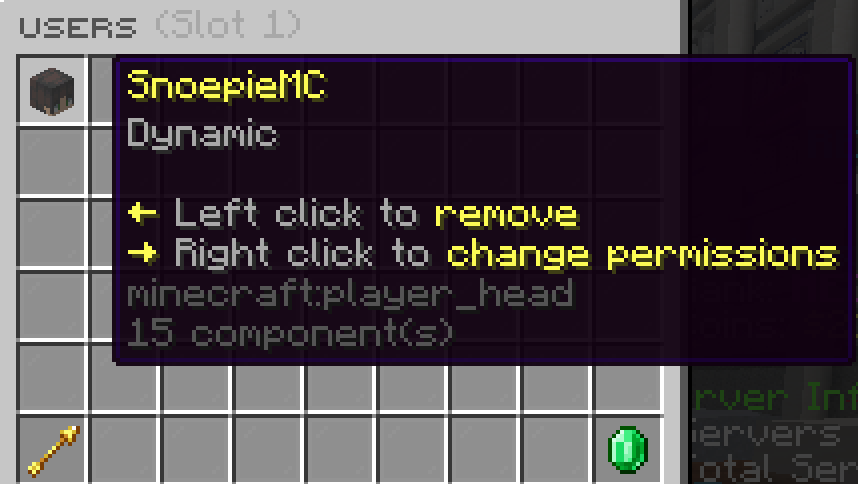
- Slot users: Add people as users on your slot with permissions (for example who can change settings and who can only play).
Where to configure: In Control, open User permissions or Whitelist. Labels can differ per network.
Server management
What is “serverlist” vs “servers”?
| Command | Description |
|---|---|
/realm servers |
Your slots: create a server, open Control, and join. |
/realm serverlist |
Every server you may use: servers you own, servers where you are whitelisted, and public servers where you were added as a user. |
What is a “subuser”?
- Definition: A subuser is someone who is not the server owner but was granted rights on another player’s server (for example to help manage plugins or only to join).
- Where it shows up: Those servers may appear under Subuser servers.
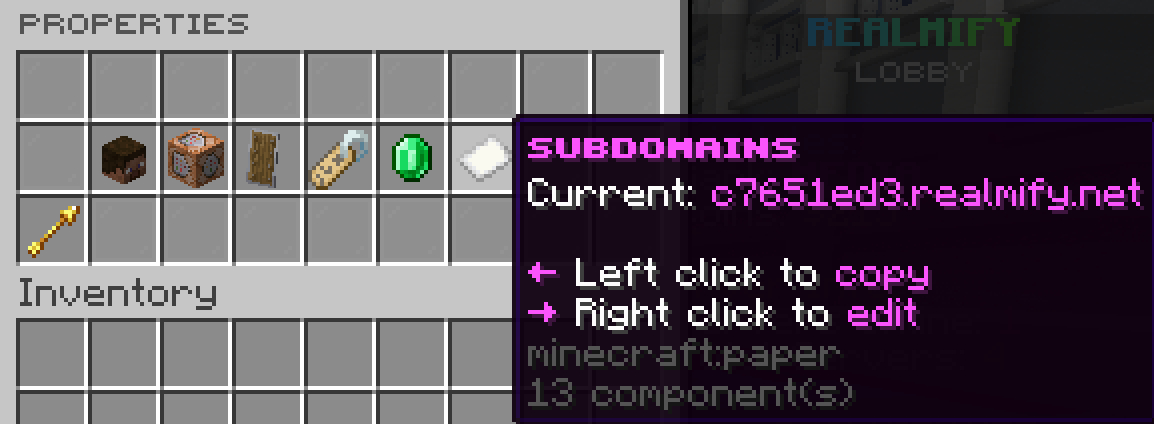
Change your server properties with a simple gui.
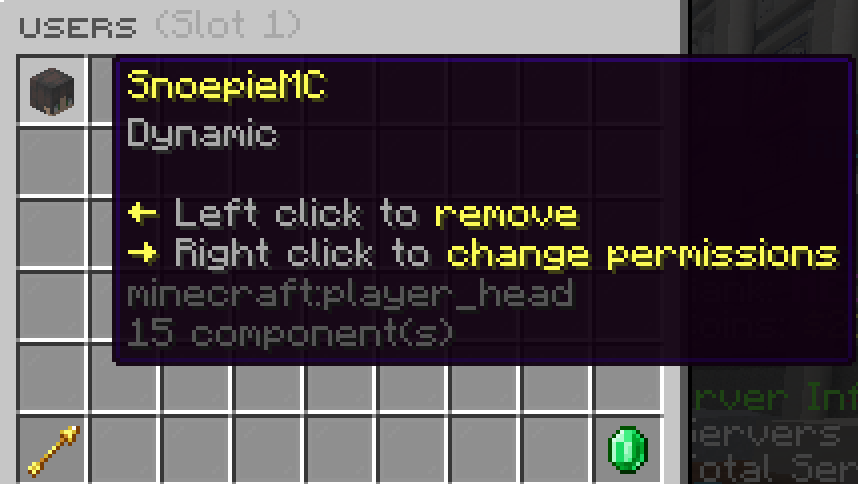
Let your friend start your server.
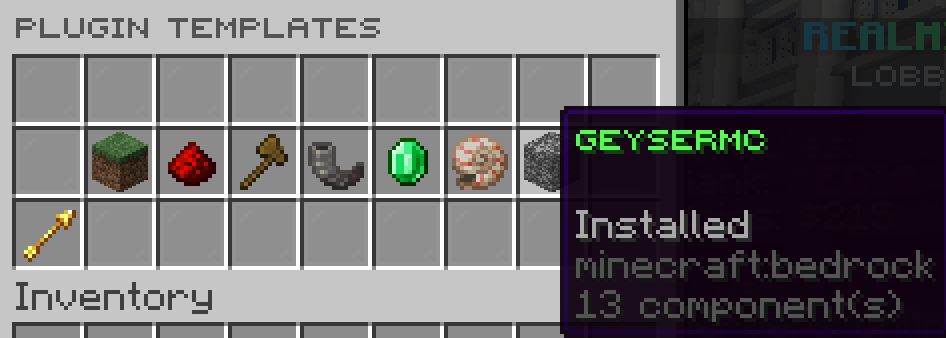
Easy install plugins with Plugin Templates, it automatically installs the config for you.
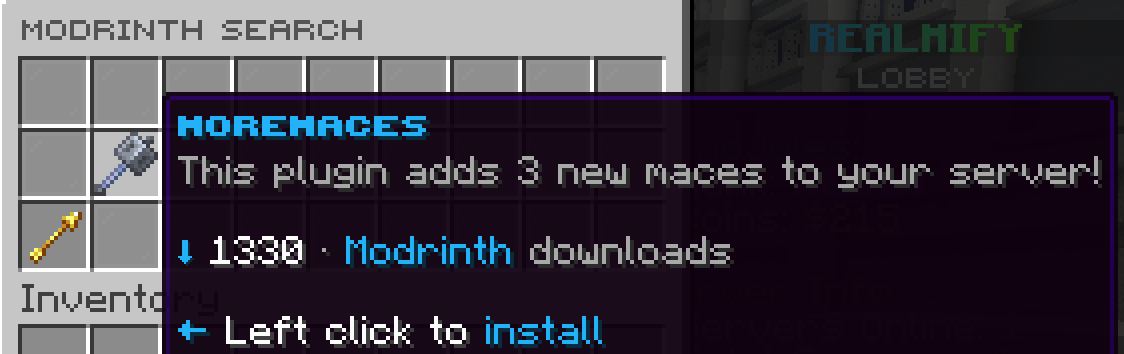
Install all plugins from modrinth with 1 click of a button.
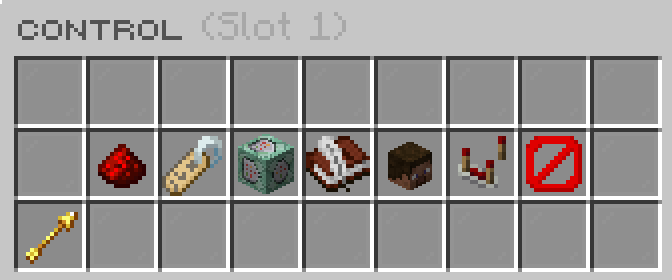
The main control panel, here you can control the whole server.
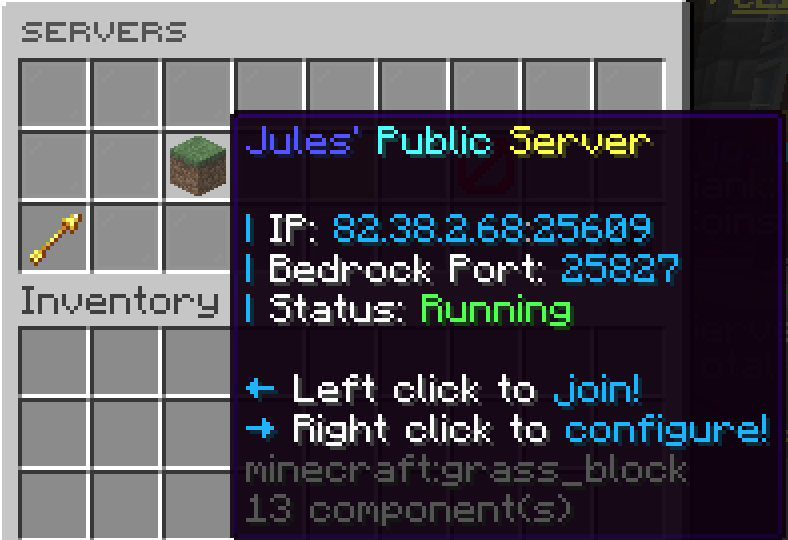
You have a total of 3 slots. You can easy create a new one.
| Version | Minecraft | Loader | Download |
|---|---|---|---|
|
__synthetic |