SmartChat
A lightweight chat macro panel — always one click away.
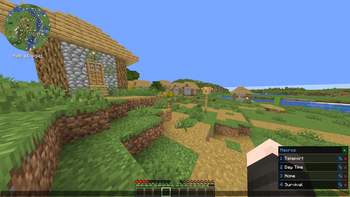
Tired of retyping the same commands and messages? SmartChat adds a sleek side panel directly to your chat screen, giving you instant access to all your macros without opening any extra menus.
Features
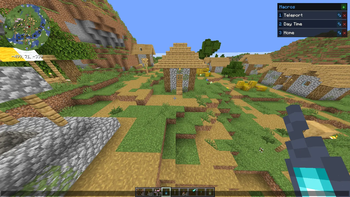
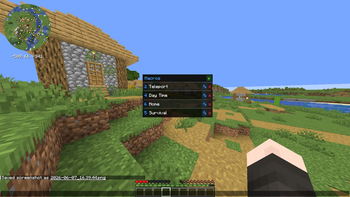
- Macro panel in chat — open chat and your macros are right there, no extra screen needed
- Click to fire — click any macro to send it instantly and close chat
- Keybind slots — assign macros to 9 keybind slots and fire them without even opening chat
- Per-server macros — separate macro lists for each server and singleplayer
- Inline editing — add, rename, and delete macros directly in the panel
- Command support — macros starting with / are sent as commands automatically
- Draggable panel — reposition it anywhere on screen
- Shared across profiles — macros persist across different mod profiles and launchers
How to Use
- Open chat — the macro panel appears on the right side of the screen
- Click + to add a macro, give it a name and a message
- Click a macro to fimber and use thekeybind
Client-side only — works on any server, no server-side installation needed.