

Sound Muter
Click the note button on the ESC menu to open the mod's interface. From there, you can mute or change the volume of any sound in the game.
Volume Control
You can add sounds to the main screen and configure each one individually.
- 0% to 200% volume by default
- If 200% is not enough, type any number into the text field on the right (e.g., 300) and the slider expands its range to 300%
Buttons
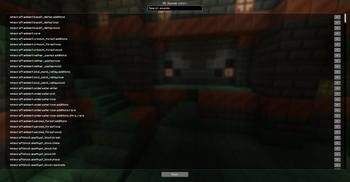
- Add sound: opens a list of every sound available in the game
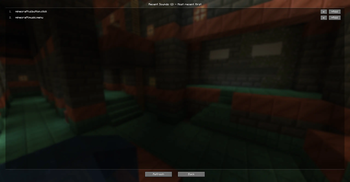
- Recent sounds: opens a list of sounds that just played. If you hear something annoying, find it in the recent list and send it to the main screen to tweak it
- Settings: opens interface options. Here, you can drag the note button to any position on the ESC screen or reset it to default.
- Back: closes the Sound Muter menu. (WOW O-O)

| Version | Minecraft | Loader | Download |
|---|---|---|---|
|
Sound Muter 1.0.0 1.0.0 |
1.21.1
|
neoforge
|
Download |