Team Status
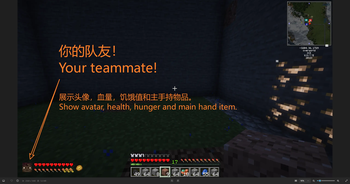
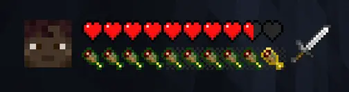
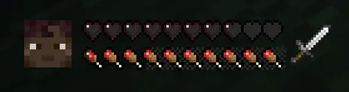
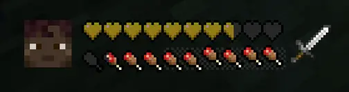
A Minecraft mod that displays all online teammates' real-time status (health, hunger, and interaction state) in an on-screen HUD panel, inspired by online games squad status display, like it supposed to be.
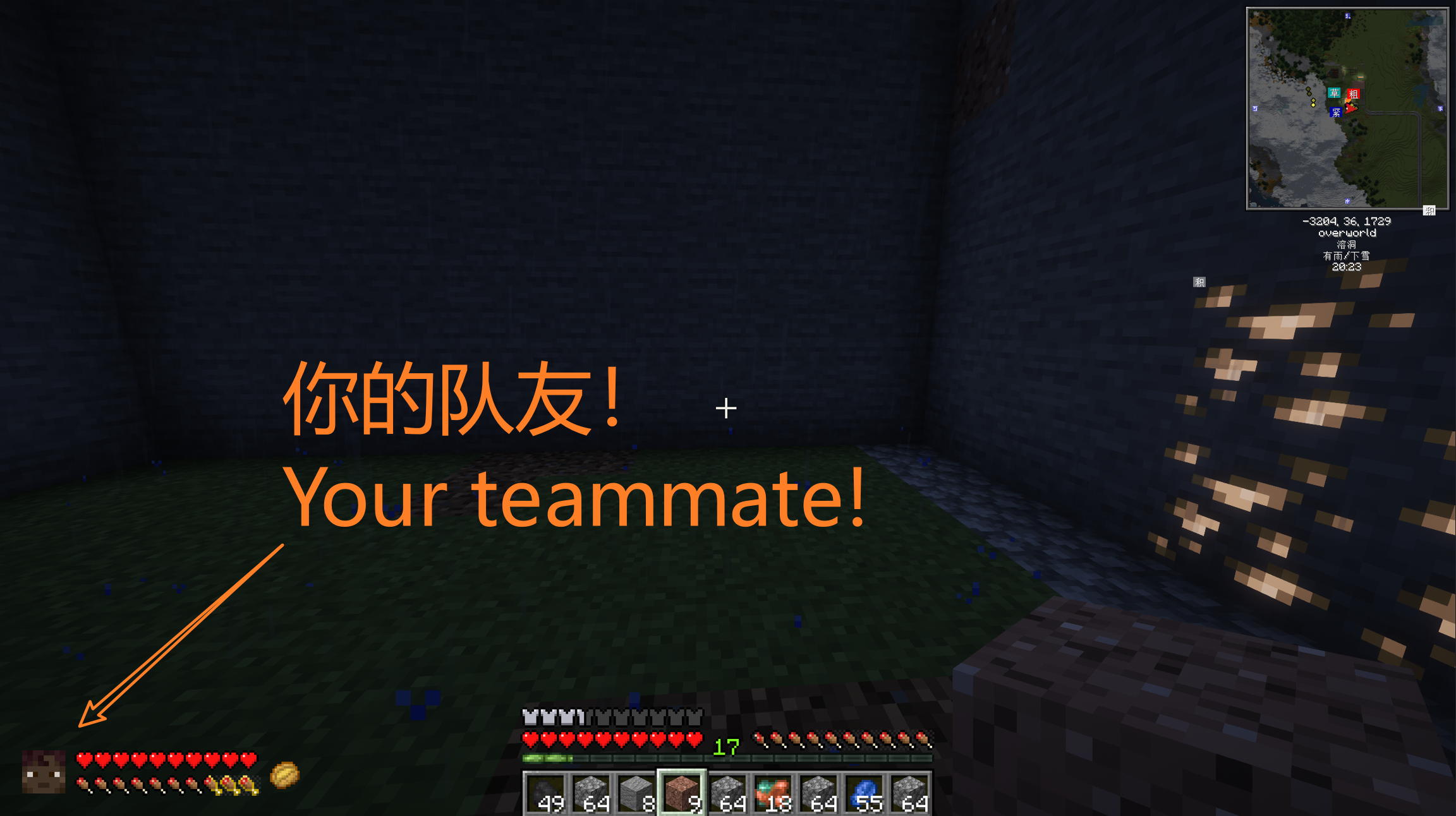
Built for Minecraft 1.21.1 on NeoForge.
Features
Team Status HUD
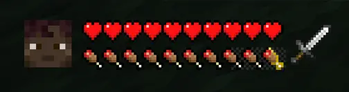
The panel automatically lists every online player and shows their live status. Each entry includes:
-
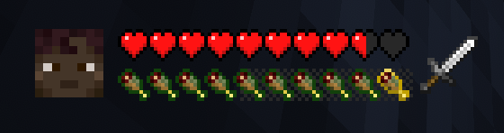
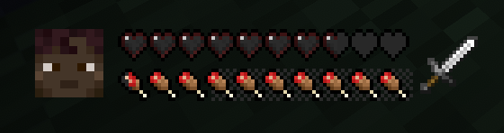
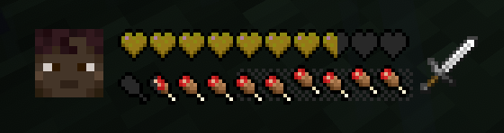
Health Bar — Vanilla-accurate heart icons with full fidelity: absorption hearts, hardcore-mode containers, poisoned/withered/frozen heart variants, regeneration bounce, low-health jitter, and hurt/heal blink animations.
-
Hunger Bar — Vanilla food icons with saturation and exhaustion overlays (powered by AppleSkin textures).
-
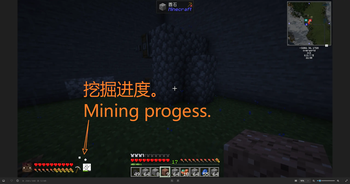
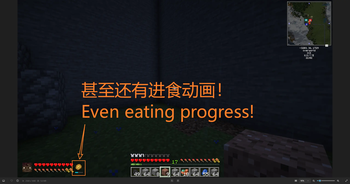
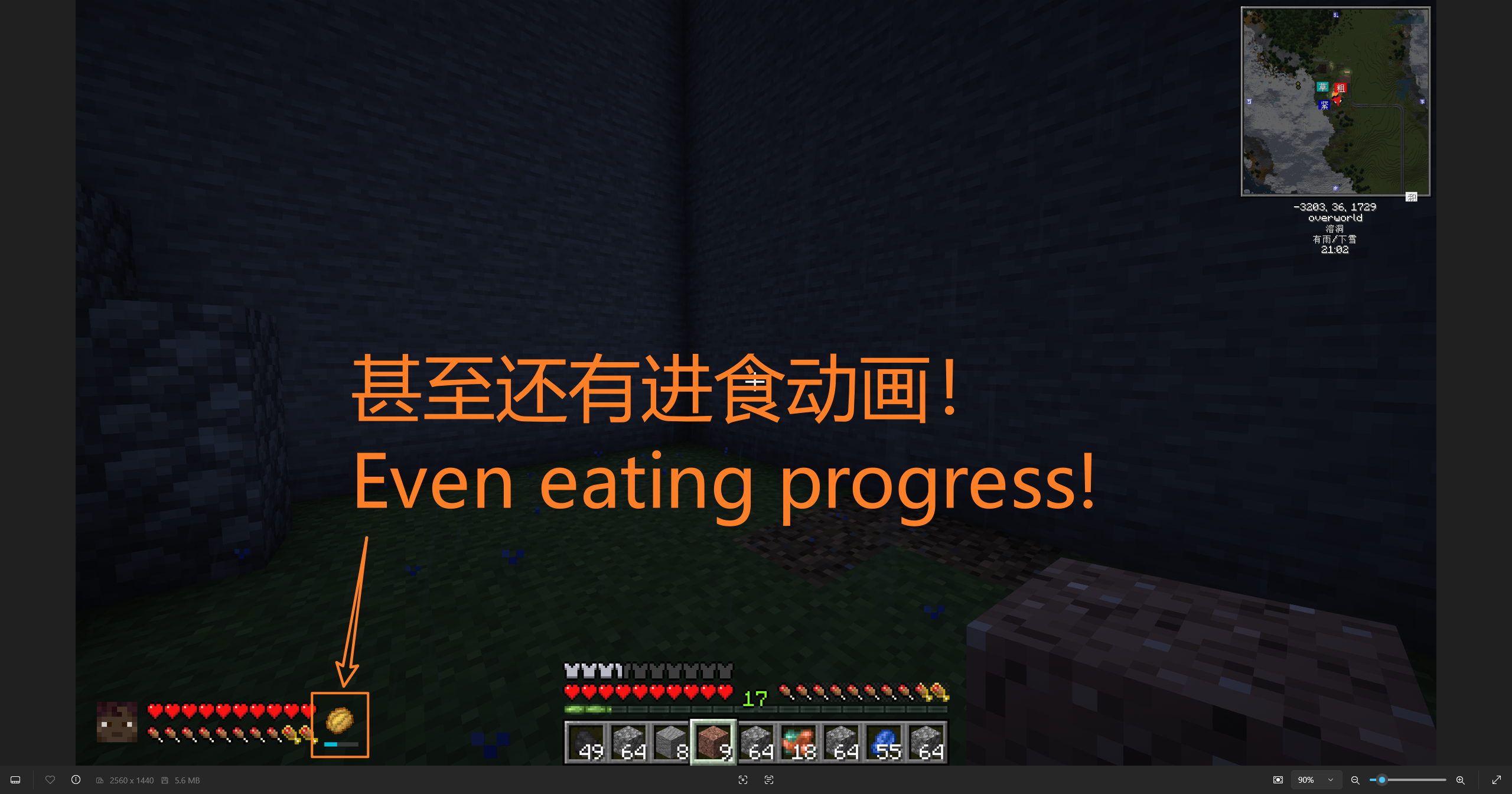
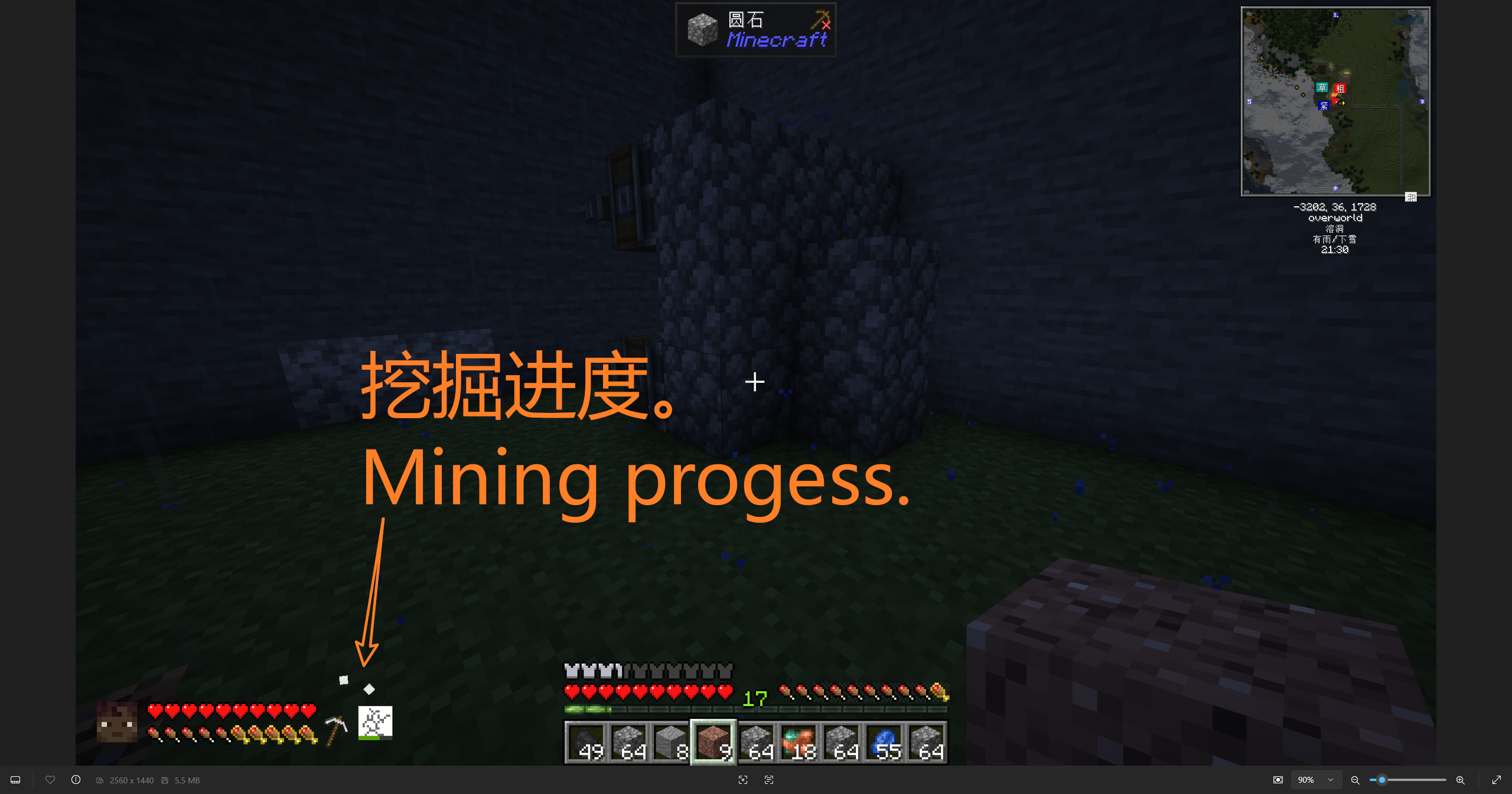
Interaction Status — A state-machine-driven item display that reflects what each teammate is doing in real time:
- Eating — Item moves toward the mouth with vanilla-accurate exponential decay and bobbing, spawning food crumb particles.
- Mining — Tool swings with vanilla's
sin(sqrt(progress) * PI)damping curve. The target block texture is shown with a destroy-stage overlay and a color-coded progress bar. Block debris particles spawn as the block breaks. - Attacking — Weapon swings with the same vanilla attack curve. The target entity icon flashes and shakes on hit, with hit particles.
- Using — Item pulses with a subtle scale animation.
- Holding — Static item display with a use-progress cooldown bar.
Configuration
- In-game config screen — Press
Right Ctrlto open the NeoForge configuration screen. - Show/Hide self — Toggle whether your own status appears in the panel.
- Panel position — Adjustable X (from left) and Y (from bottom) in pixels.
HUD Particles
Food crumbs, block debris, and attack-hit particles are rendered on top of the HUD for extra visual feedback, independent of the panel's scissor clipping region.
Performance
Team Status is designed to be virtually invisible in profiler traces, even on populated servers. Every layer of the mod has been optimized:
Network — Delta-Synced, Server-Authoritative
- Server-authoritative architecture: The server reads player state and pushes updates to clients. Clients never report their own status, eliminating redundant client-to-server traffic.
- Dirty-field bitmask delta encoding: Status is split into five field groups (health, hunger, item-use, held-item, effects). Only the groups that actually changed are serialized into each packet, so a player losing 1 HP sends ~8 bytes instead of a full snapshot.
- Lazy snapshot allocation: The server maintains a per-player state cache. New snapshot objects are allocated only when a change is detected — not every tick. When nothing changes, no packet is sent at all.
- 200-tick heartbeat fallback: A full-state sync is broadcast every 10 seconds as a self-healing safety net, ensuring clients eventually converge even if a delta packet is dropped.
Client — 20 Hz Pre-Computation, Zero-Allocation Rendering
- 20 Hz pre-compute, 144 Hz read: All rendering parameters — heart textures, blink states, jitter offsets, avatar rotation angles, hunger bar state, interaction animation curves — are computed once per game tick (20 Hz) and stored in pre-allocated state objects. The render path (which runs at the display's refresh rate, often 144 Hz+) performs only cheap O(1) reads and
blitSpritecalls. - Zero per-frame allocation: All
ResourceLocationlookups (heart textures, destroy-stage textures, entity textures) are pre-cached as static fields. The render loop creates no objects, noMath.ceilcalls, and noRandominvocations — eliminating GC pressure during gameplay. - Pre-allocated state arrays: Each
TeamMemberowns a fixed-size array ofHeartRenderStateobjects (and avatar/hunger/use-state objects) created once at construction and reused indefinitely. - Scissor clipping: The HUD panel is scissor-clipped so off-screen entries are never drawn.
Profiling-Friendly
The combination of delta networking and pre-computed rendering means that with N online players, the mod's per-tick cost is O(N) comparisons on the server and O(N) blit calls on the client — both with constant factors so small that the mod is effectively free at typical server populations.
Requirements
- Minecraft 1.21.1
- NeoForge 21.1.x
- Java 21
- AppleSkin (required — provides saturation and exhaustion textures)
Installation
- Download the mod JAR from the releases page.
- Place the JAR in your NeoForge
modsfolder. - Install AppleSkin (required dependency).
- Launch Minecraft with NeoForge.
Building from Source
git clone https://github.com/Jackjackca/TeamStatus
cd teamstatus
./gradlew build
The built JAR will be in build/libs/.
License
This project is licensed under the GPL-3.0 License — see the LICENSE file for details.