Remotely send commands to your server using a websocket.
Created to be used along side streamer.bot.
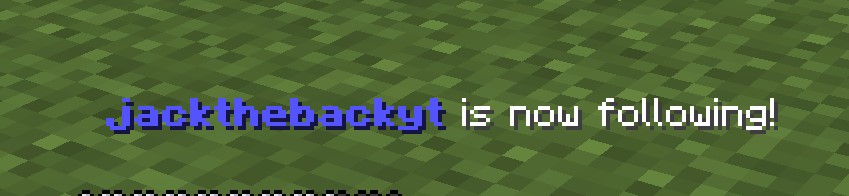
- Setup alerts directly in the game.
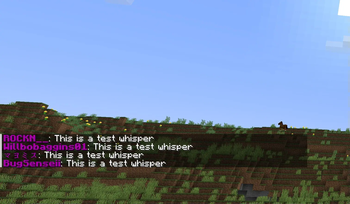
- Have the livestreams chat in minecrafts chat.
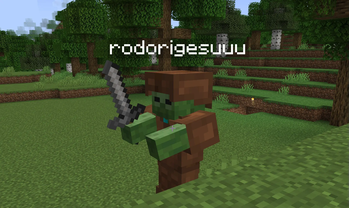
- Setup channel rewards that spawn mobs on the player
How to use with Streamer.bot In streamer.bot go to "Servers/Clients" then "Websocket Clients". Right click and click "add". Give the client a name. Replace the endpoint with ws://Your servers IP:25735/. Enable Auto Connect and Reconnect if you want then press "Ok". You may have to right click the client and press "Connect". Use C# in Streamer.bot to send the commands. Example:
CPH.WebsocketSend("/summon zombie 0, 100, 0");