WorldMood
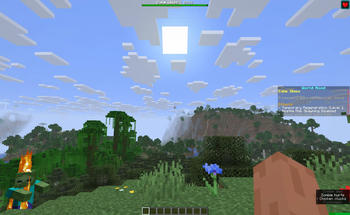
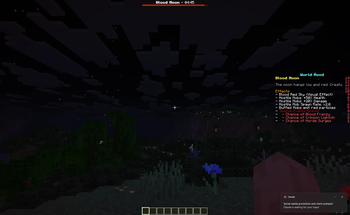
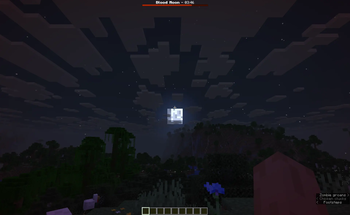
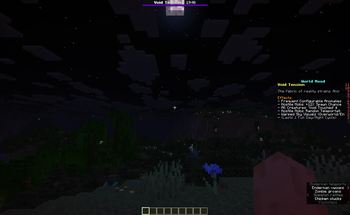
WorldMood cycles your server through seven distinct "moods" — timed events that change how the world actually plays, not just how it looks. A Blood Moon makes the night genuinely dangerous. Calm Skies stops hostile mobs spawning at all. Void Tension makes creatures blink through space.
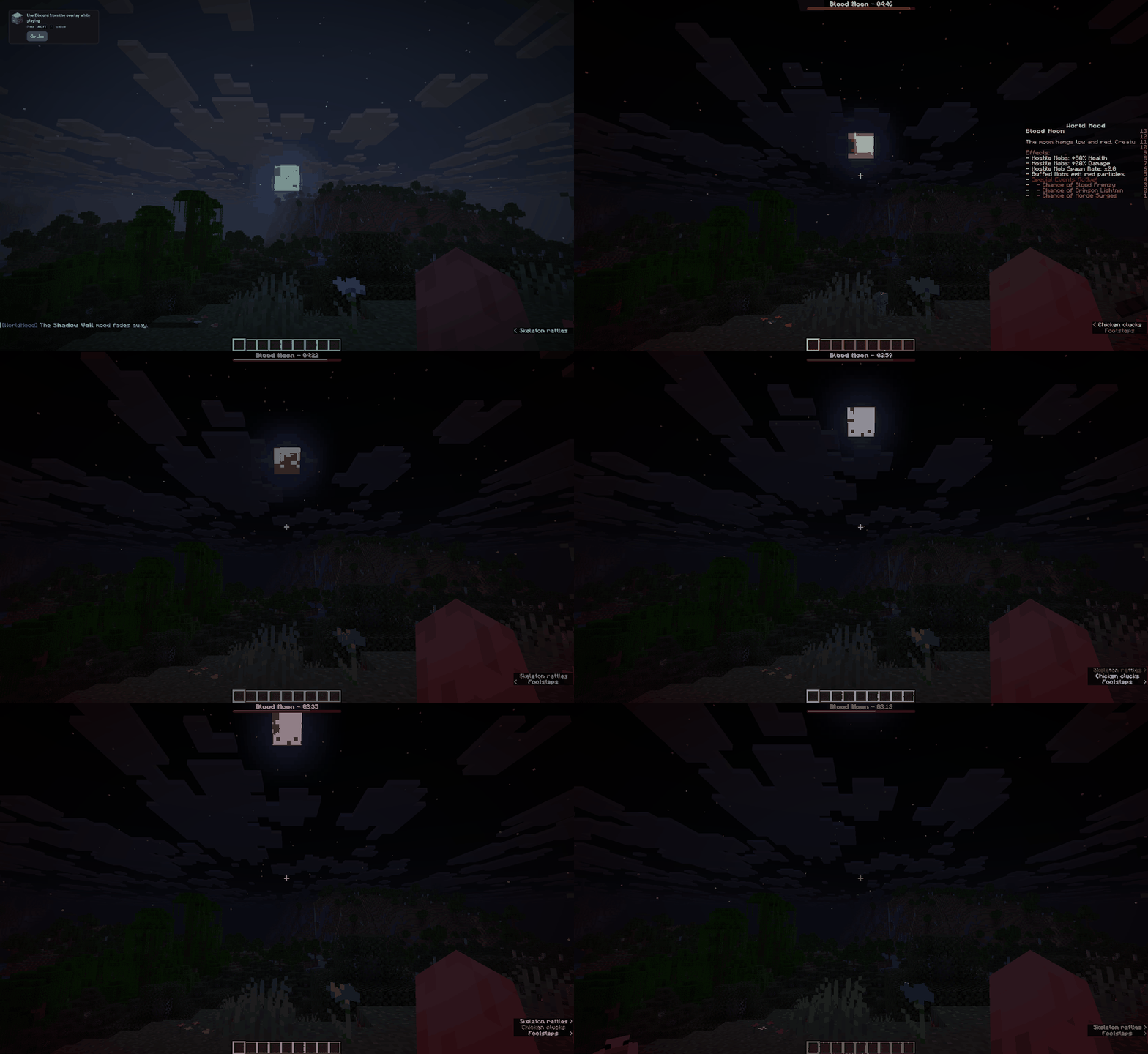
Each mood announces itself in chat, shows a boss-bar countdown, posts its full effect list on a temporary scoreboard, runs for a set time, and cleans up after itself. Everything is toggleable and tunable in config.yml.
The seven moods
| Mood | What it does | When |
|---|---|---|
| 🩸 Blood Moon | Hostile mobs spawn stronger, faster and more numerous. Triggers Blood Frenzy, Crimson Lightning and Horde Surge events. | Night |
| ☀️ Calm Skies | Hostile spawning suppressed, storms cleared, players regenerate. | Day |
| 🔥 Infernal Heat | The sun burns exposed players — seek shade, water or protection. | Day |
| 🌬️ Prosperous Winds | Richer ore veins and better drops from fallen mobs. | Day |
| 🍀 Lucky Day | Improved fortune on loot and trades. | Day |
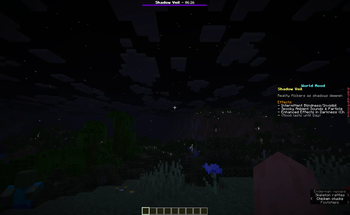
| 🌑 Shadow Veil | Flickering blindness and invisibility, ambient dread, true darkness in caves. | Night |
| 🌀 Void Tension | Reality strains — mobs turn void-touched, move unnaturally and teleport. | Any |
Features
- Seven moods, each individually enabled, weighted and timed in
config.yml - Automatic random cycling, or drive it manually with
/wm start <mood> - Boss-bar countdown plus a temporary scoreboard summary when a mood begins
- Lightweight — no dependencies, no database, no external calls
Which file do I download?
| Your Minecraft version | Download | Needs |
|---|---|---|
| 1.20 – 1.21.x | WorldMood-x.y.z.jar |
Java 17+ |
| 1.16.5 – 1.19.x | WorldMood-x.y.z-legacy.jar |
Java 8+ |
Tested on 1.16.5, 1.17.1, 1.18.2, 1.19.4, 1.20.1 and 1.21.11 — every mood starts and stops cleanly on all six. On older versions a few purely visual extras (the Darkness effect, Sonic Boom particle) are unavailable and the plugin substitutes the nearest equivalent automatically; it logs exactly what your version supports when it starts.
Works on Spigot, Paper and Purpur.
Commands & permissions
| Command | Description |
|---|---|
/wm start <mood> |
Force-start a specific mood |
/wm stop |
Stop the current mood |
/wm skip |
Stop the current mood and roll a new one |
/wm list |
Show status and every configured mood |
/wm reload |
Reload config.yml |
All commands use the permission worldmood.admin (default: op), so it works out of the box.
Custom plugins
I also build custom Minecraft plugins to order — economy systems, cosmetics, custom mechanics and QoL tools. Come say hi on Discord.