

YDM'S Custom Camera View
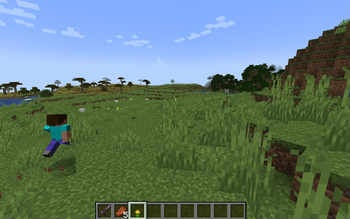
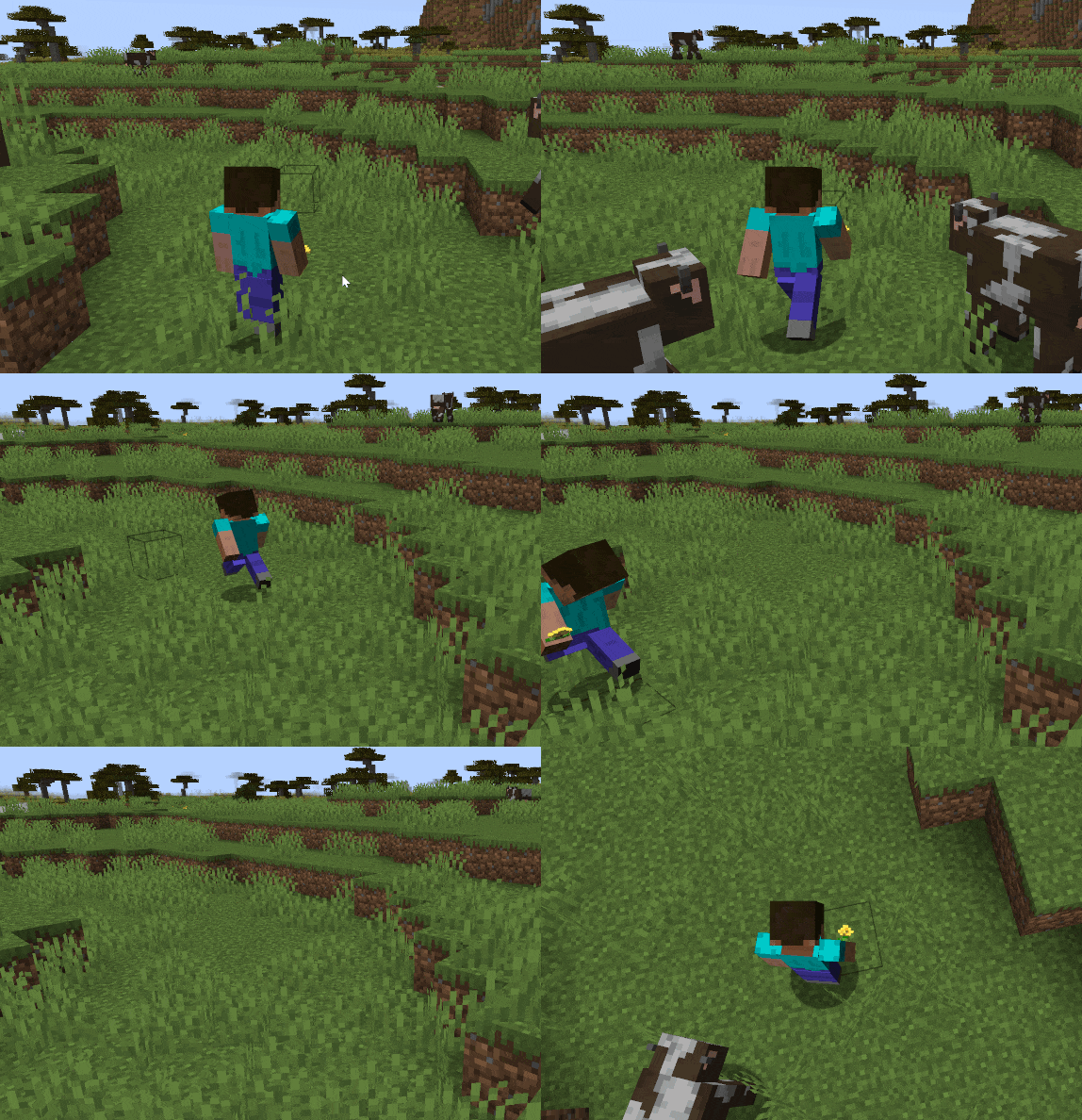
You can change the position and rotation of the camera when you play in third person.
Or you can just make it stop following you. Default key binds are:
UP = KEY UP

DOWN = KEY DOWN

LEFT = KEY LEFT

RIGHT = KEY RIGHT

FORWARD = KEY G

BACKWARD = KEY H

STOP CAMERA = KEY B

RESET CAMERA = KEY V

ROTATE JAW PLUS = KEY I

ROTATE JAW MINUS = KEY U

ROTATE PITCH PLUS = KEY K

ROTATE PITCH MINUS = KEY J
You can change these in your key binds option.
| Version | Minecraft | Loader | Download |
|---|---|---|---|
|
Forge 1.21.7 - 1.0.0 forge-1.21.7-1.0.0 |
1.21.6, 1.21.7, 1.21.8
|
forge
|
Download |
|
[1.21] Forge - v1.0.0 1.21+forge+1.0.0 |
1.21
|
forge
|
Download |
|
[1.16.5] Forge v1.0.1 1.0.1+1.16.5+forge |
1.16.5
|
forge
|
Download |
|
[1.20.1] Forge v1.0.1 1.0.1+1.20.1+forge |
1.20, 1.20.1
|
forge
|
Download |
|
[1.19] Forge v1.0.1 1.0.1+1.19 |
1.19
|
forge
|
Download |
|
[1.18.x] Forge v1.0.0 1.18.1-1.18.2 |
1.18, 1.18.1, 1.18.2
|
forge
|
Download |