
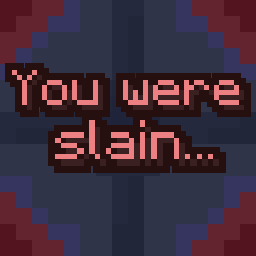
You Were Slain
Customize the death screen unlike ever before!
You Were Slain allows you to edit multiple elements of the death screen. There are lots of features, including:
- A Terraria-styled respawn delay
- Ability to change text colors
- Allow for the text to fade in
- Hide your HUD upon death, for more a more cinematic effect(it then unhides the HUD upon respawning)
- Hide the respawn and or title screen buttons
- Send a chat message including your death coordinates(only to yourself)
- Custom death sound effect which can be edited with a resource pack(silent by default)
- And more!
You Were Slain also allows for you to edit most of the text shown on the death screen without the use of a resource pack. This was done to easily allow for quicker customization.
Gallery
Check out the gallery for a few quick showcases of what's possible with You Were Slain! Keep in mind that a lot more is possible outside of what's shown in the gallery.
Compatibilities
There is a list of known compatibilities and incompatibilities which can be found on the mod's wiki.
Dependencies
Requires Fabric API and YetAnotherConfigLib.
Also requires Mod Menu if you wish to edit the config.

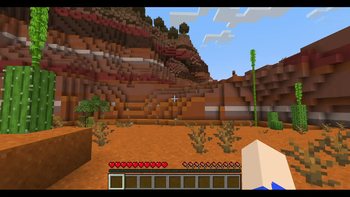
The main showcase of the default settings. This is just the beginning of what you can do with You Were Slain!
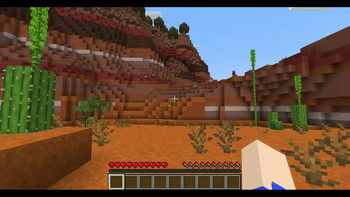
Showcase of the Terraria-styled respawn delay. Also showcases some edited text and text colors.
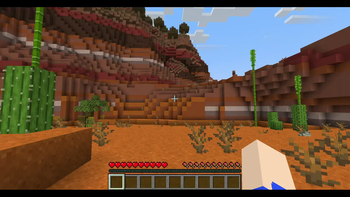
You can make text fade in upon death instead of just appearing on screen! This helps add some intensity to the death screen.
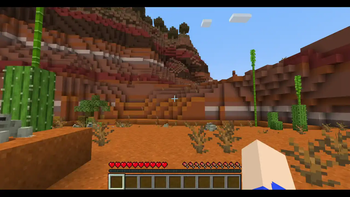
There are two showcases in this one image. The first death shows the HUD being automatically hidden, then unhidden. While the second death shows the HUD staying hidden because it was already hidden upon death.
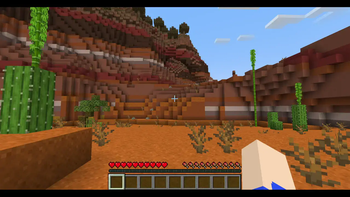
No, this isn't hardcore mode, this is edited text and edited text colors! You can choose any color you want for any text(that isn't on a button)! Each text color can be edited separately.
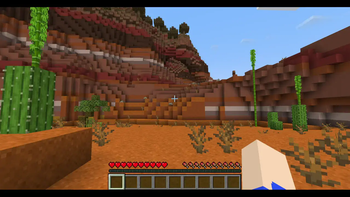
You can make your death coordinates show on the death screen and in chat! Only you can see your death coordinates in chat.
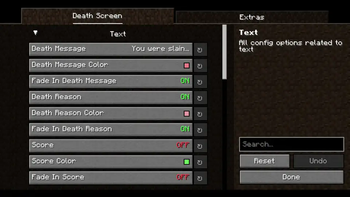
A simple showcase of what the config looks like in-game! Powered by YACL
| Version | Minecraft | Loader | Download |
|---|---|---|---|
|
You Were Slain 1.0.0 1.0.0-1.20.x |
1.20, 1.20.1, 1.20.2, 1.20.3, 1.20.4, 1.20.5, 1.20.6
|
fabric
|
Download |